Workflows that keep work moving
Design workflows for approvals, notifications, information capture and repetitive administration using Microsoft Power Automate.
Practical tutorials and hands-on services for better workflows, clearer insights and connected systems.
Explore ideas you can put to work—or discuss a process you want to improve.
Start with the operational problem. Build a practical solution. Validate it with the people who use it.
Design workflows for approvals, notifications, information capture and repetitive administration using Microsoft Power Automate.
Bring operational data into Power BI dashboards for service performance, SLAs, contact-centre activity and management reporting.
Explore API and webhook integrations that reduce manual handoffs and keep information moving between systems.
Review service-desk processes, reporting and automation opportunities with a focus on practical improvements for employees and support teams.
The learning side of The Workflow Lab focuses on practical walkthroughs and experiments. This website’s tutorial and project library is being prepared; the topics below show its intended focus.
Planned walkthroughs covering triggers, conditions, approvals, Excel-based workflows and troubleshooting.
Power AutomatePractical walkthroughsPlanned examples exploring dashboard design, service metrics and reporting that answers useful operational questions.
Power BIService analyticsPlanned demonstrations of API requests, webhooks and integrations, including the configuration and testing behind them.
APIsIntegrationPlanned explorations of assistants and conversational workflows, with attention to where human review remains important.
AI assistantsPrototypes48 illustrated guides across 25 applications, including Power BI, Power Apps, Power Automate and PowerShell. Each guide explains common messages, basic checks and when to contact IT, and ends with a feedback form.
Everyday-user guides avoid diagnostic commands. Maker and scripting guides are labelled separately. Do not change production flows, policies or shared data without authorisation.
48 of 48 guides
No matches. Try fewer words or clear the filters.
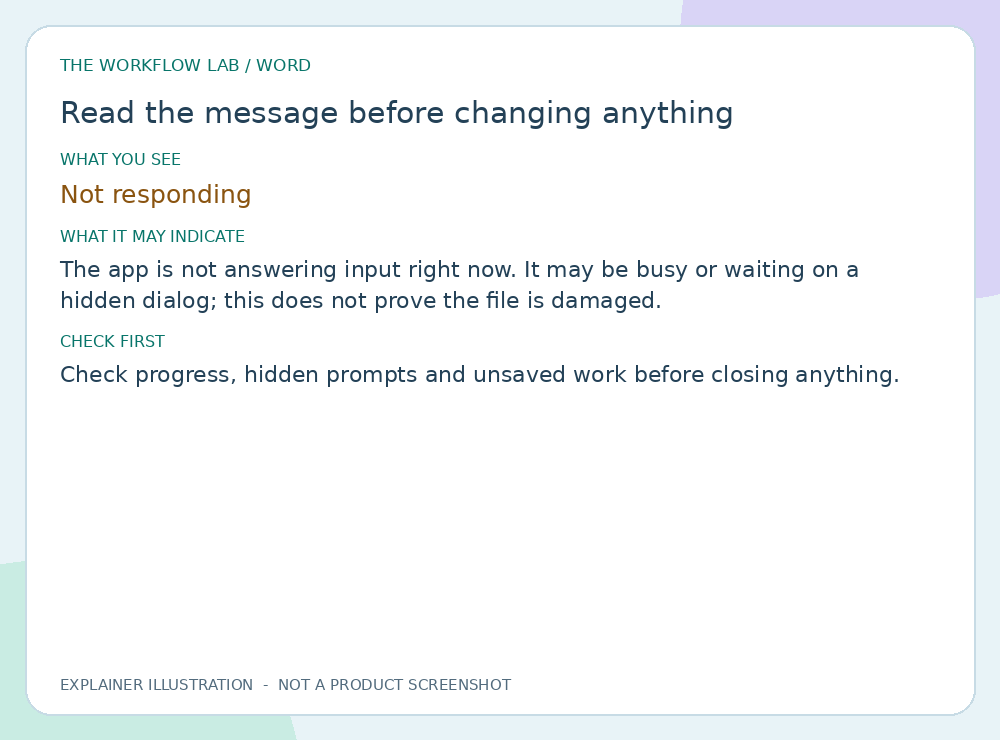
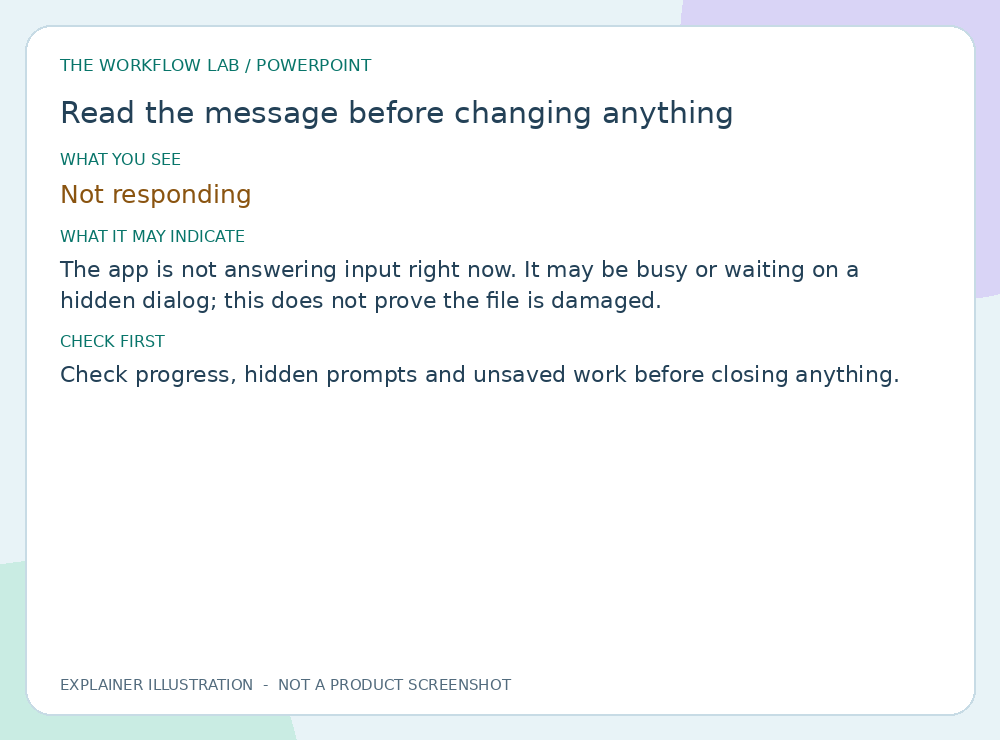
Check progress, hidden prompts and unsaved work before closing anything.
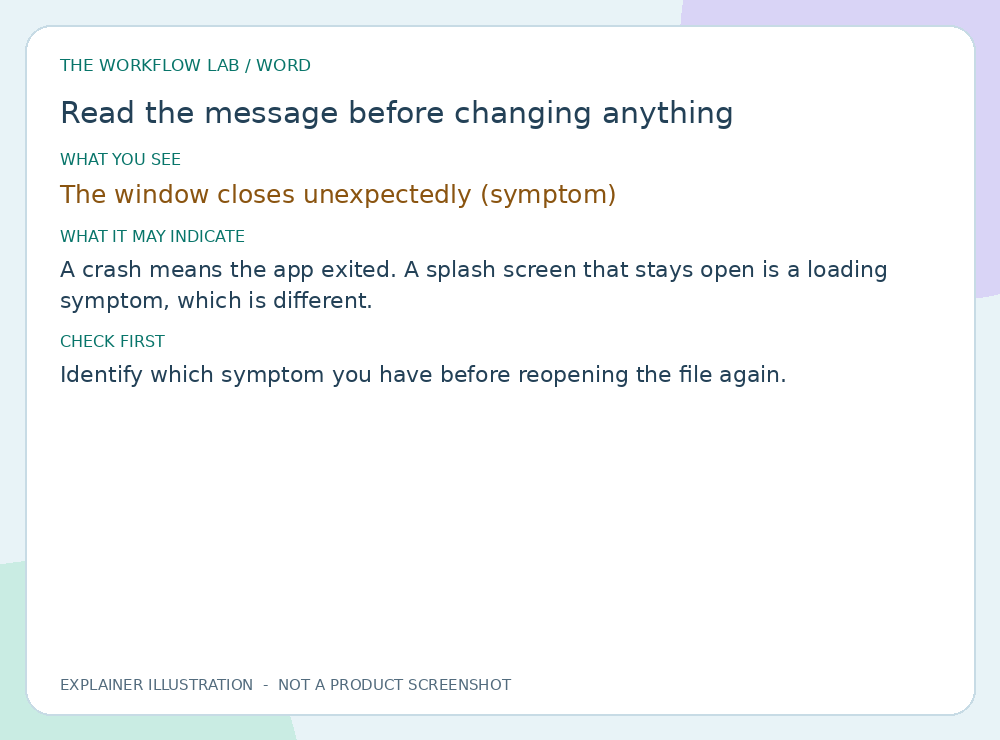
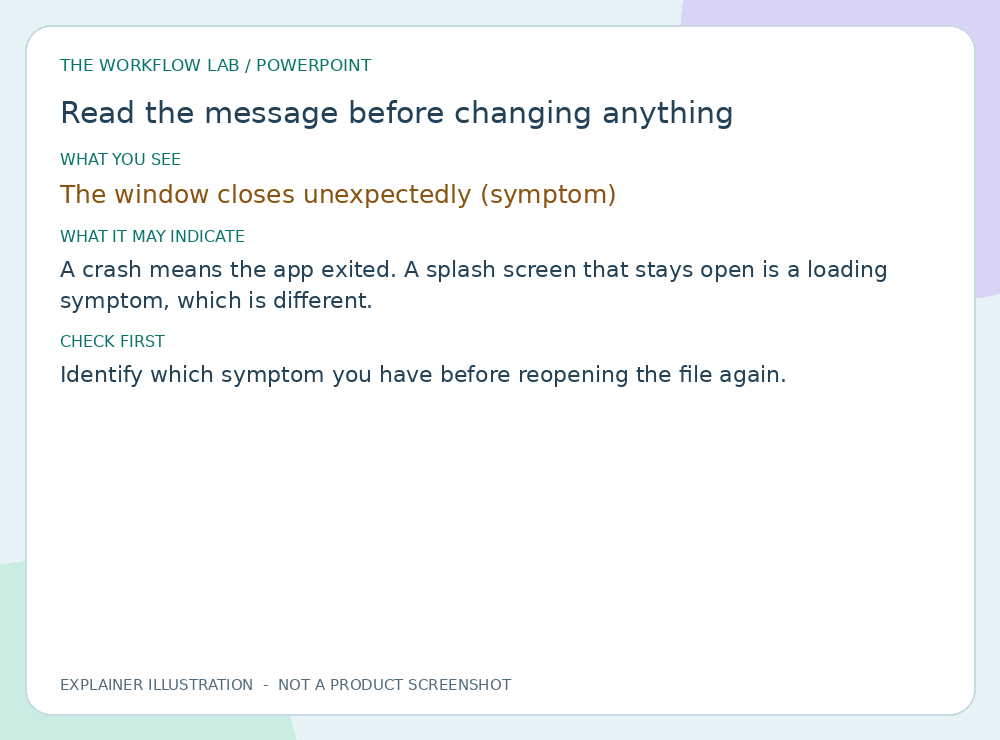
Read illustrated guide →Identify which symptom you have before reopening the file again.
Read illustrated guide →Check progress, hidden prompts and unsaved work before closing anything.
Read illustrated guide →Identify which symptom you have before reopening the file again.
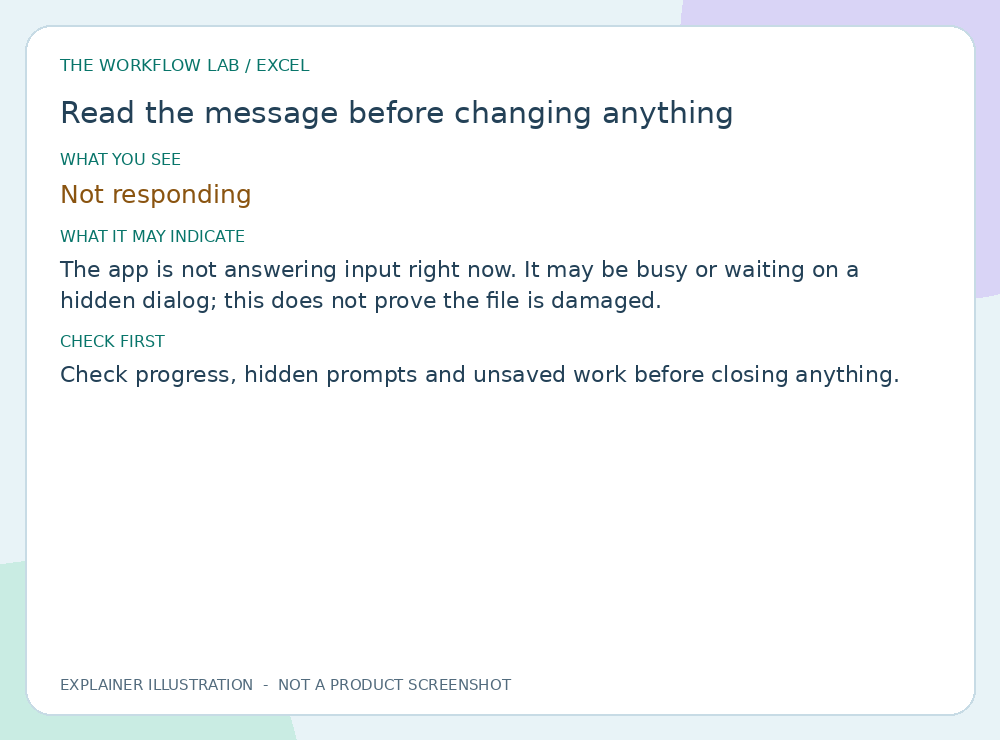
Read illustrated guide →Check progress, hidden prompts and unsaved work before closing anything.
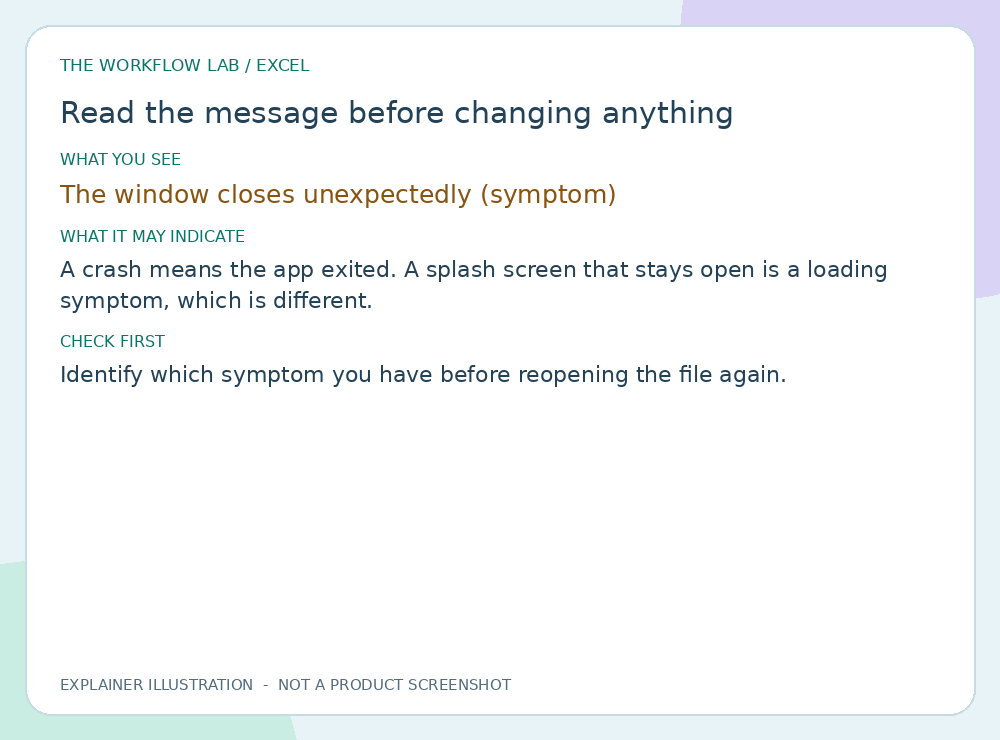
Read illustrated guide →Identify which symptom you have before reopening the file again.
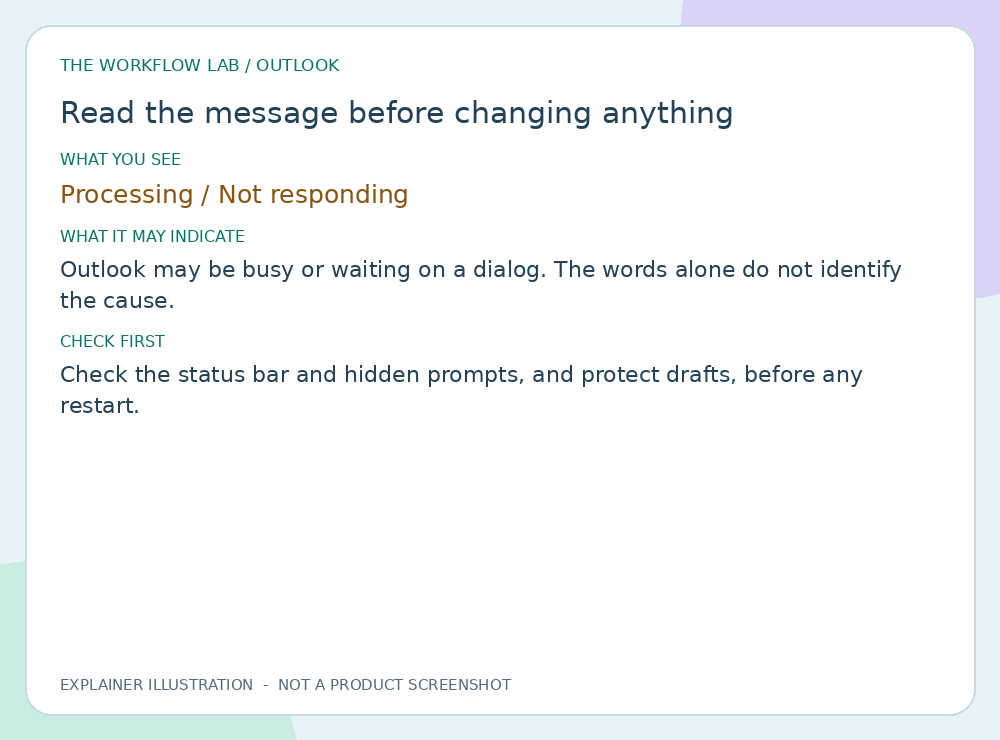
Read illustrated guide →Check the status bar and hidden prompts, and protect drafts, before any restart.
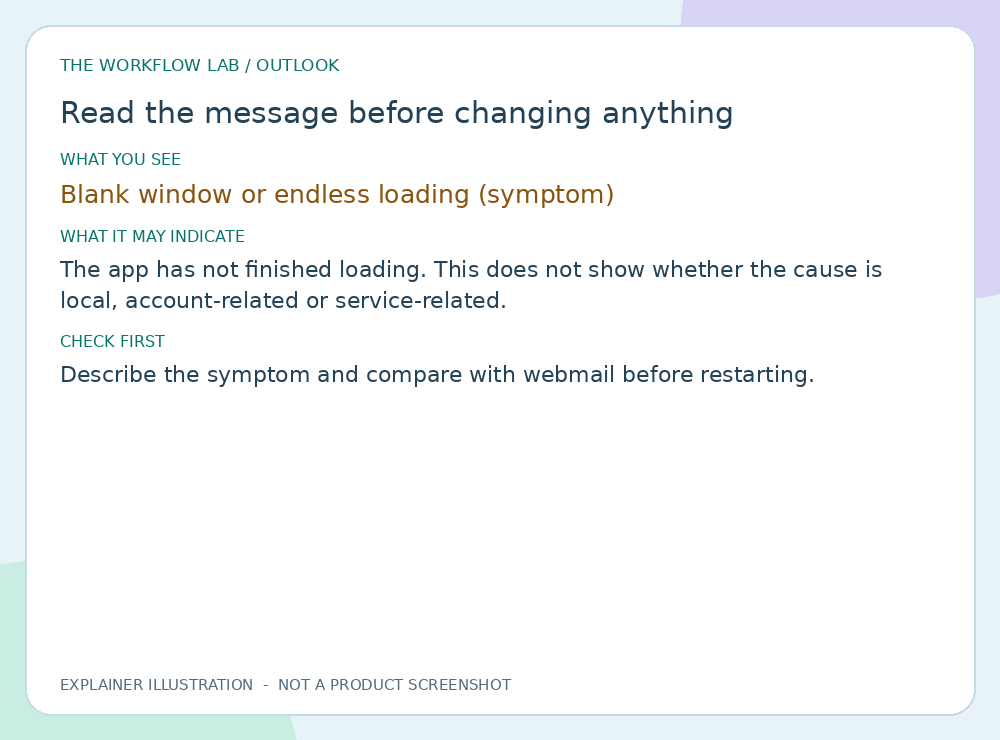
Read illustrated guide →Describe the symptom and compare with webmail before restarting.
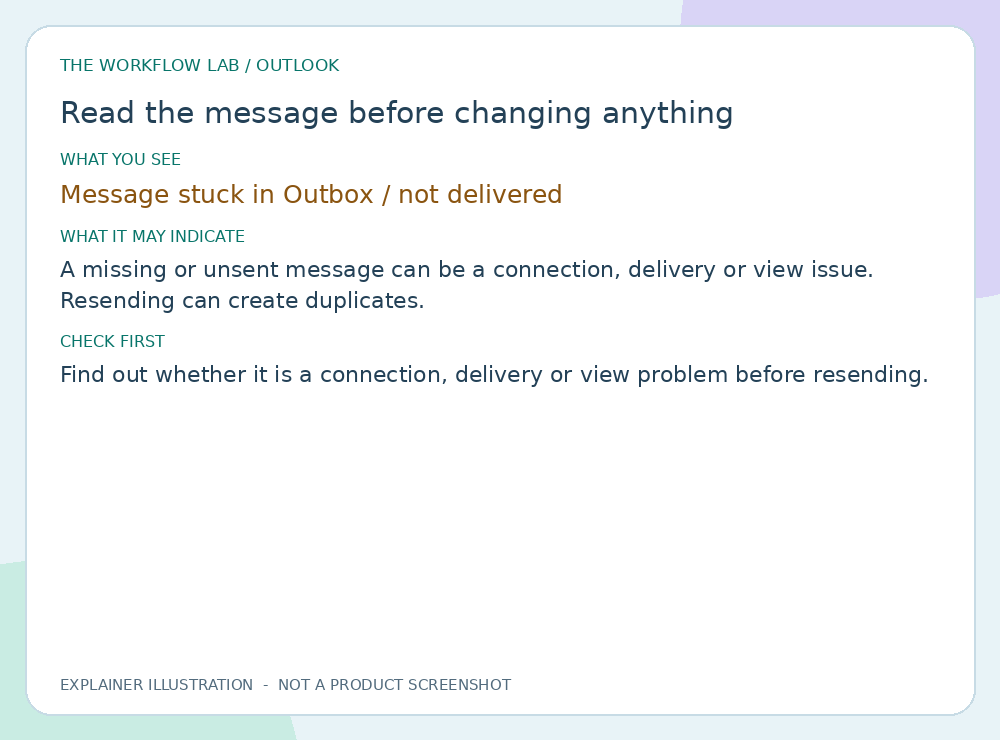
Read illustrated guide →Find out whether it is a connection, delivery or view problem before resending.
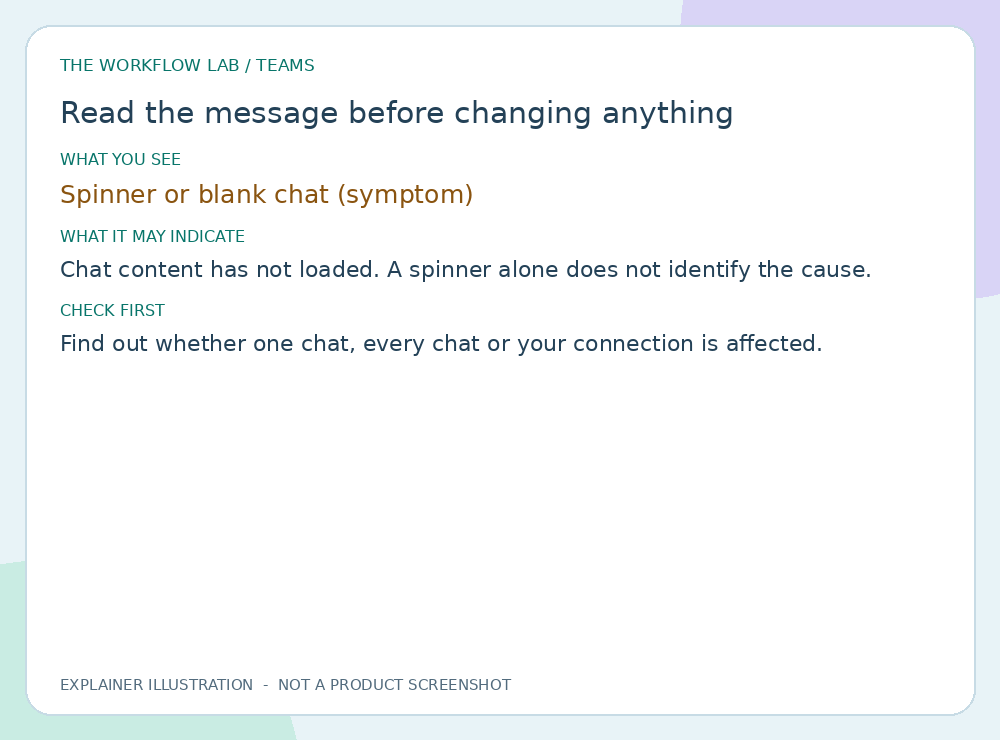
Read illustrated guide →Find out whether one chat, every chat or your connection is affected.
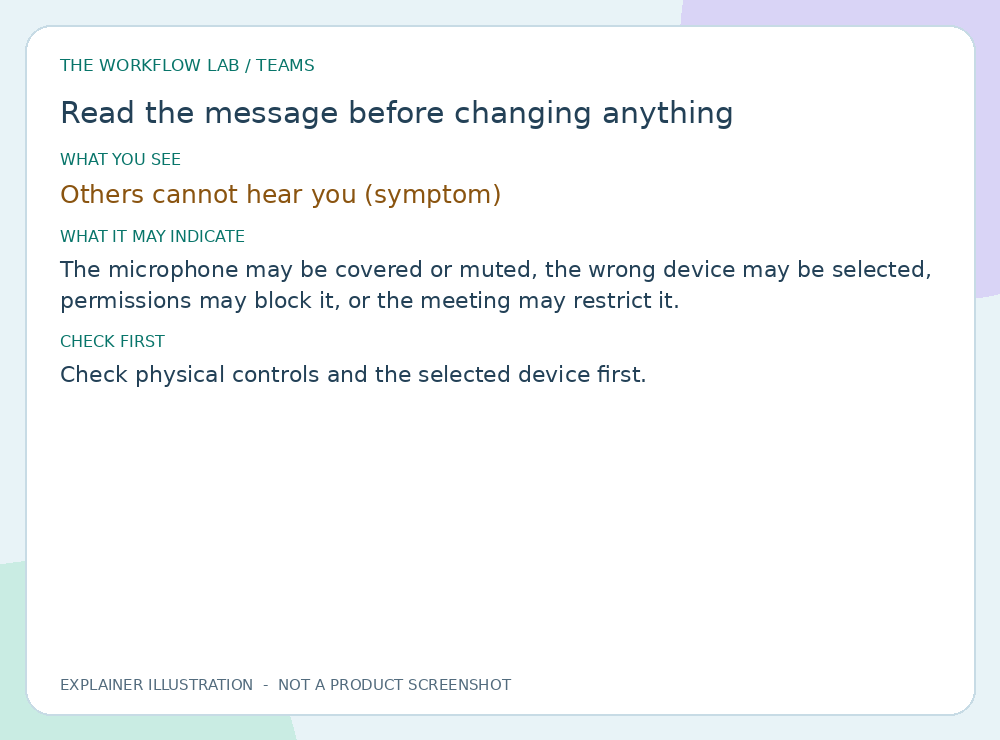
Read illustrated guide →Check physical controls and the selected device first.
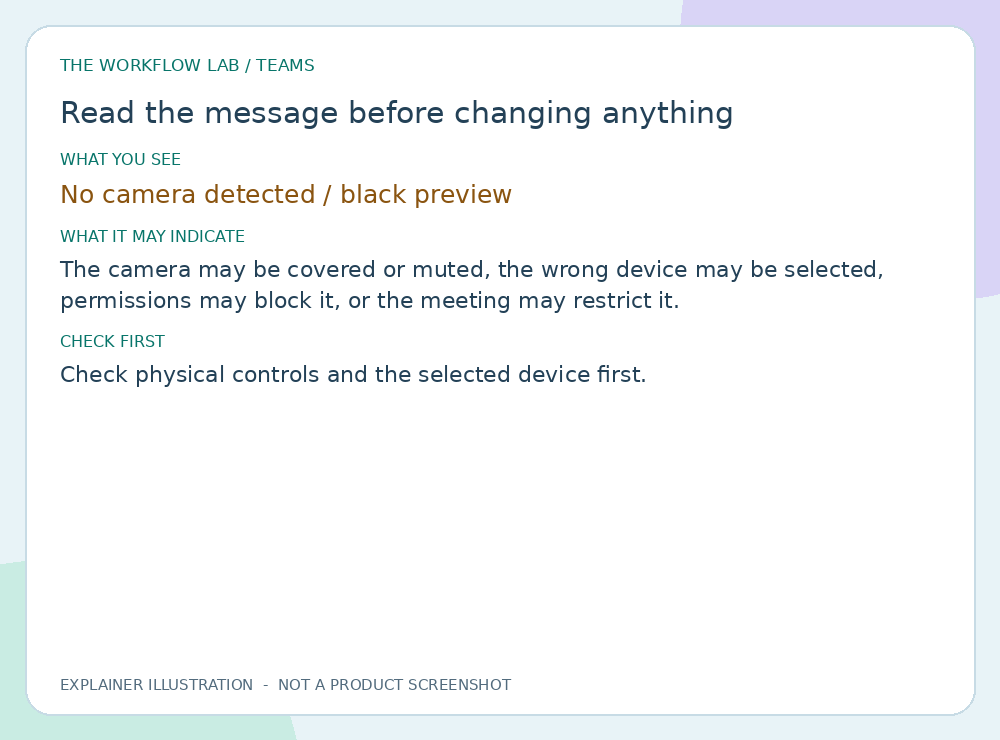
Read illustrated guide →Check physical controls and the selected device first.
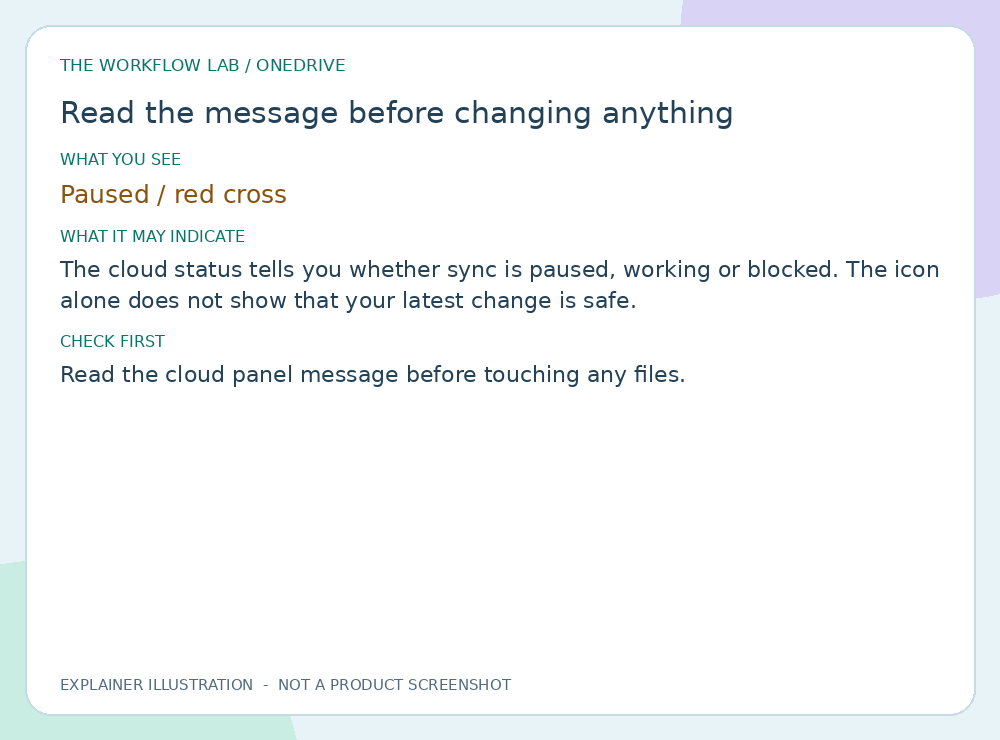
Read illustrated guide →Read the cloud panel message before touching any files.
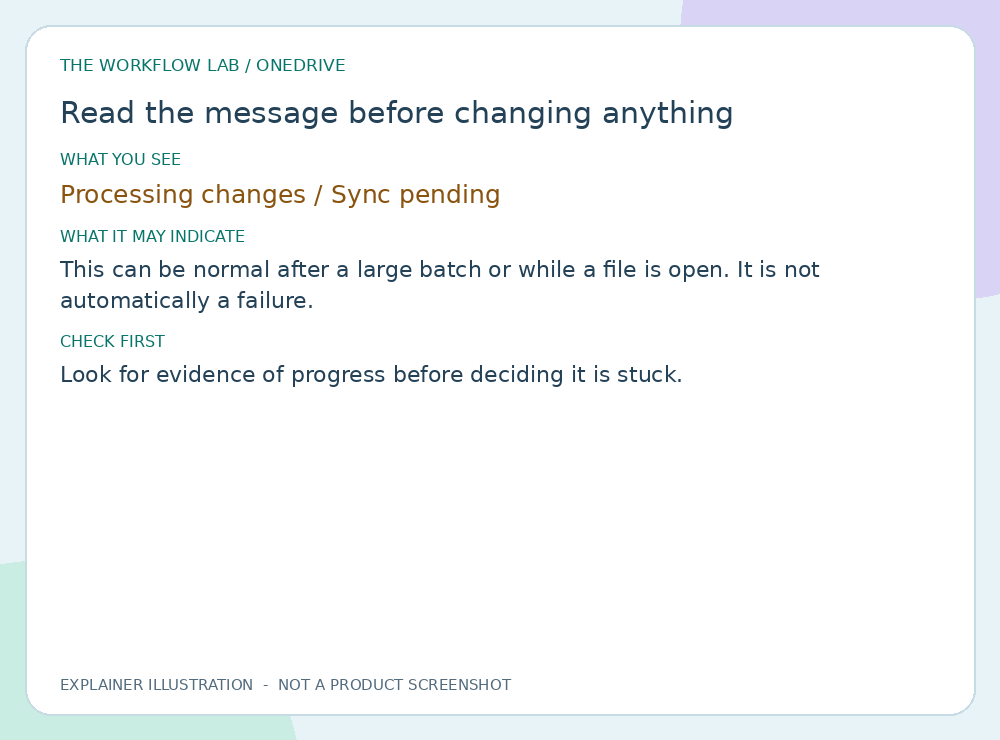
Read illustrated guide →Look for evidence of progress before deciding it is stuck.
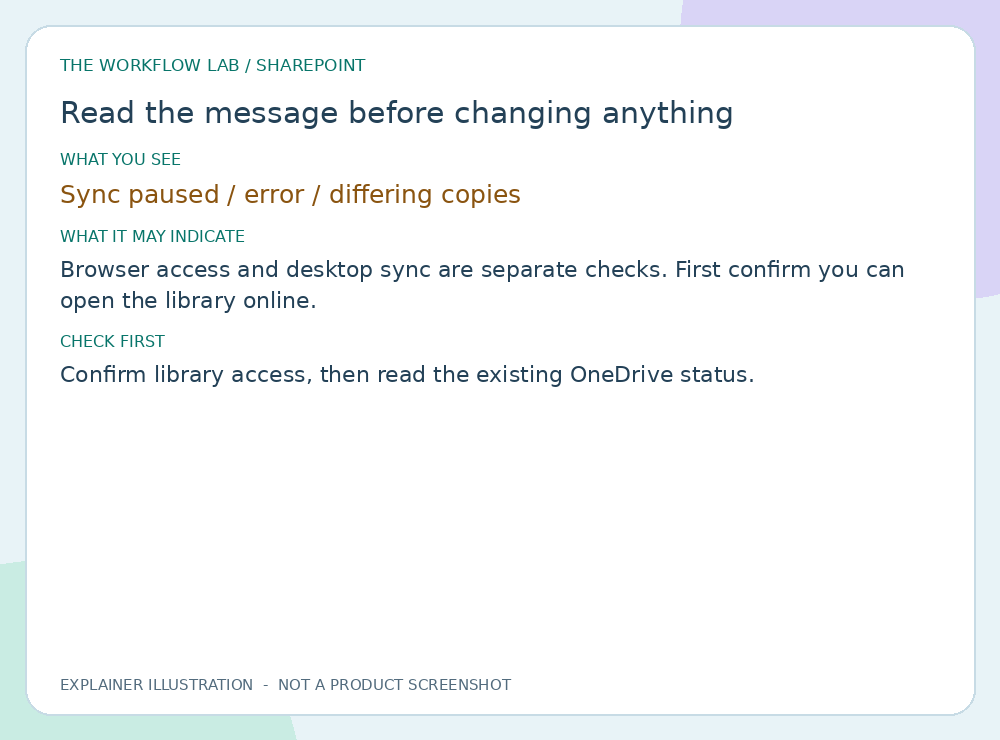
Read illustrated guide →Confirm library access, then read the existing OneDrive status.
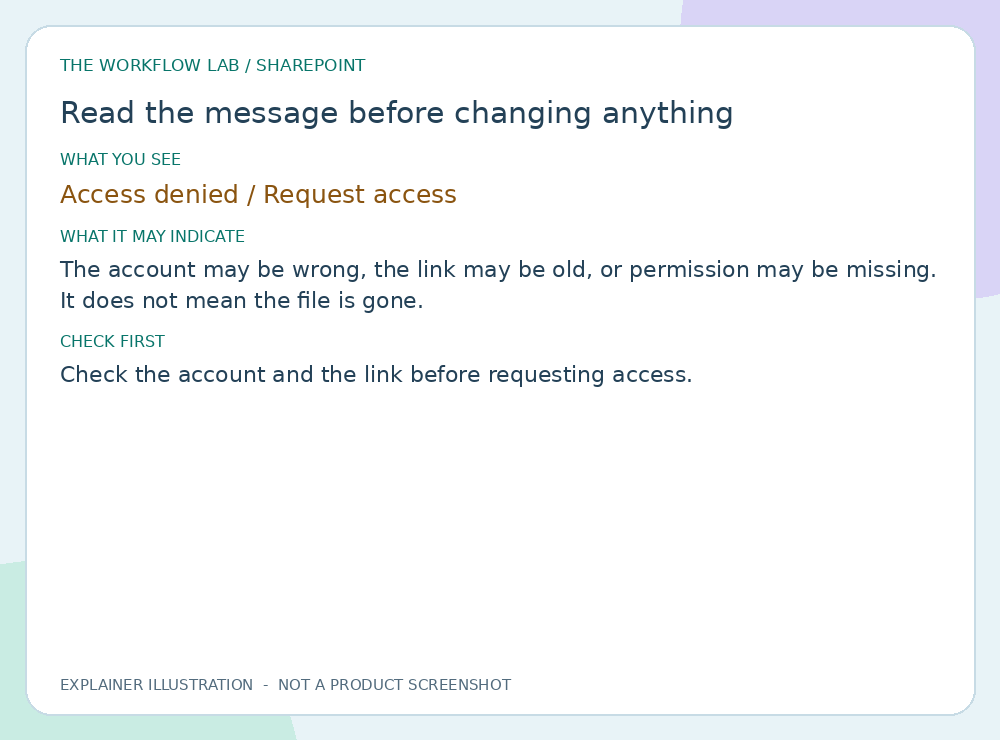
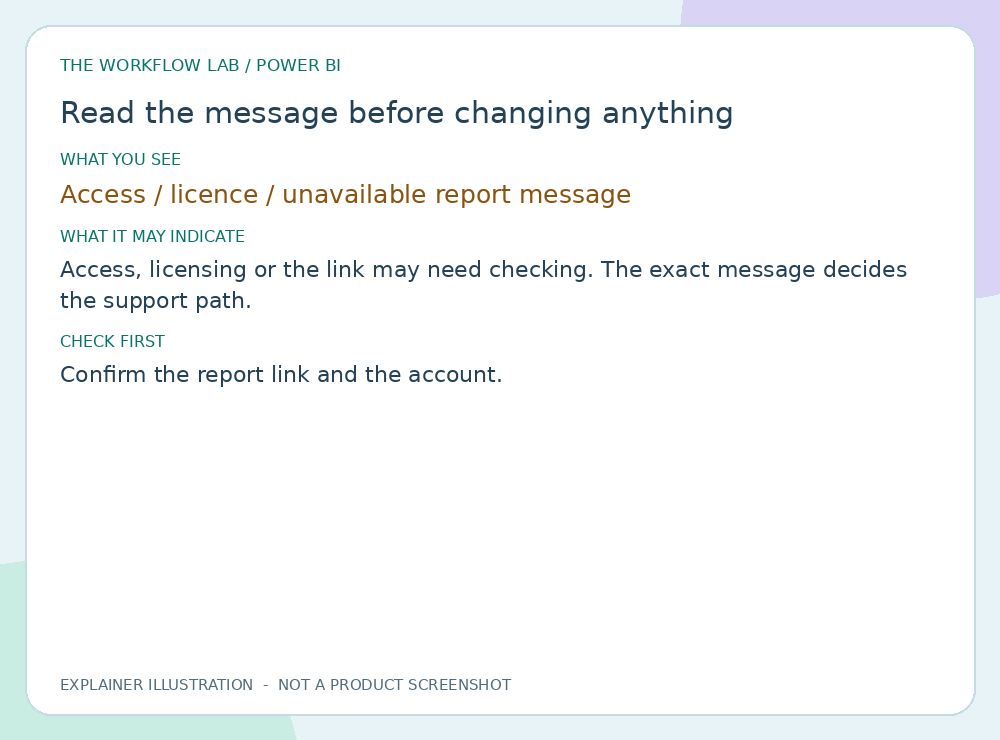
Read illustrated guide →Check the account and the link before requesting access.
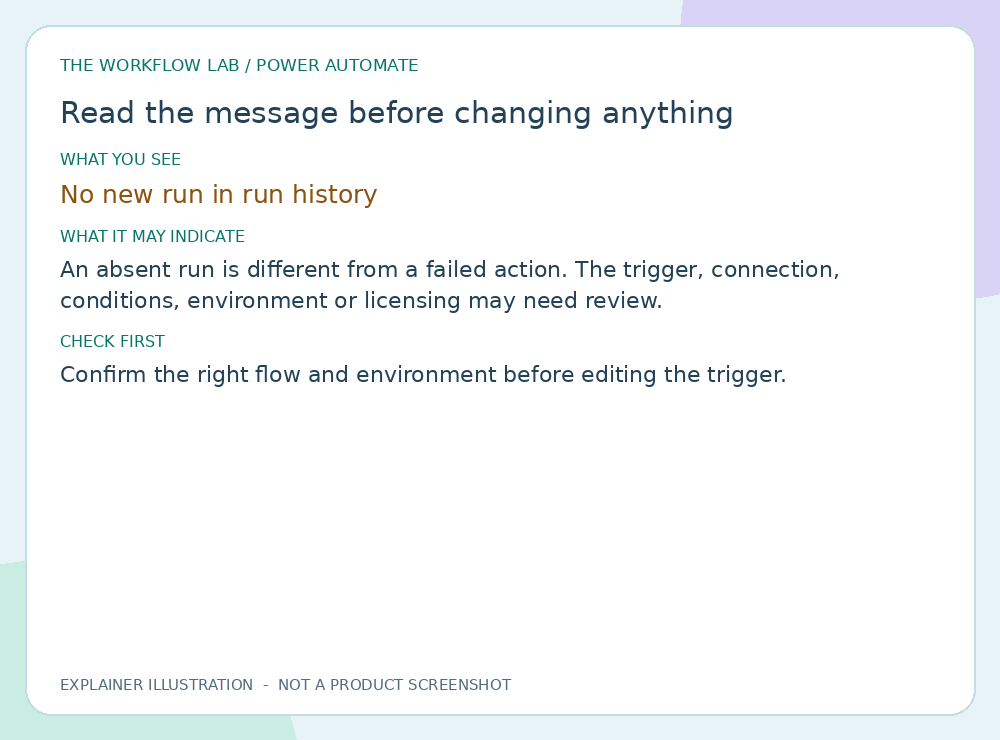
Read illustrated guide →Confirm the right flow and environment before editing the trigger.
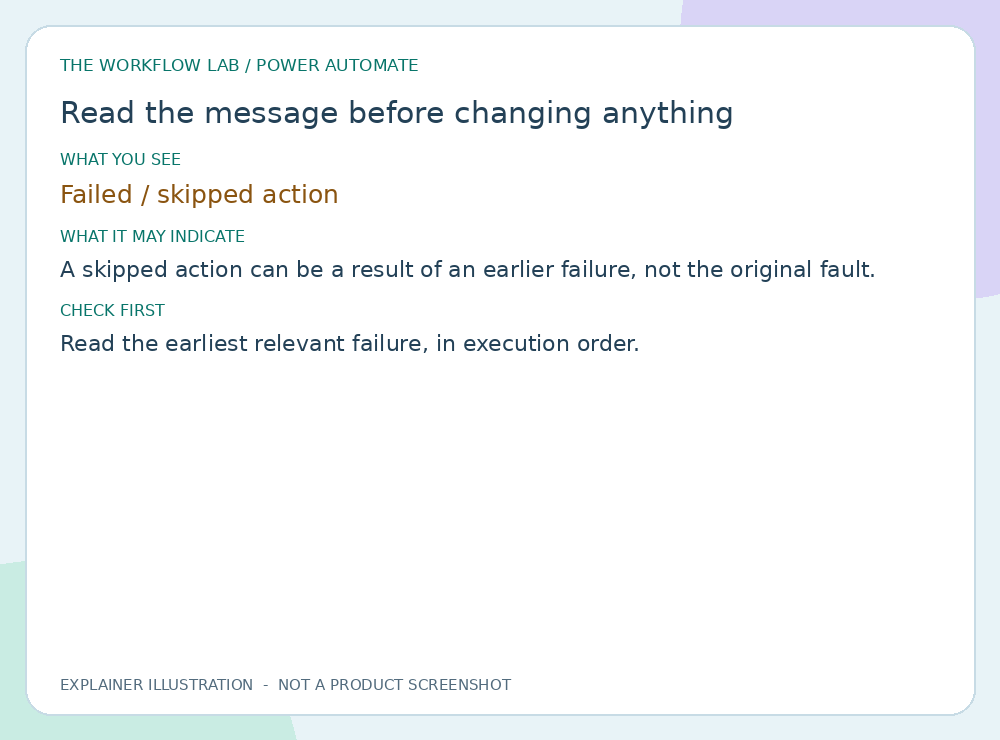
Read illustrated guide →Read the earliest relevant failure, in execution order.
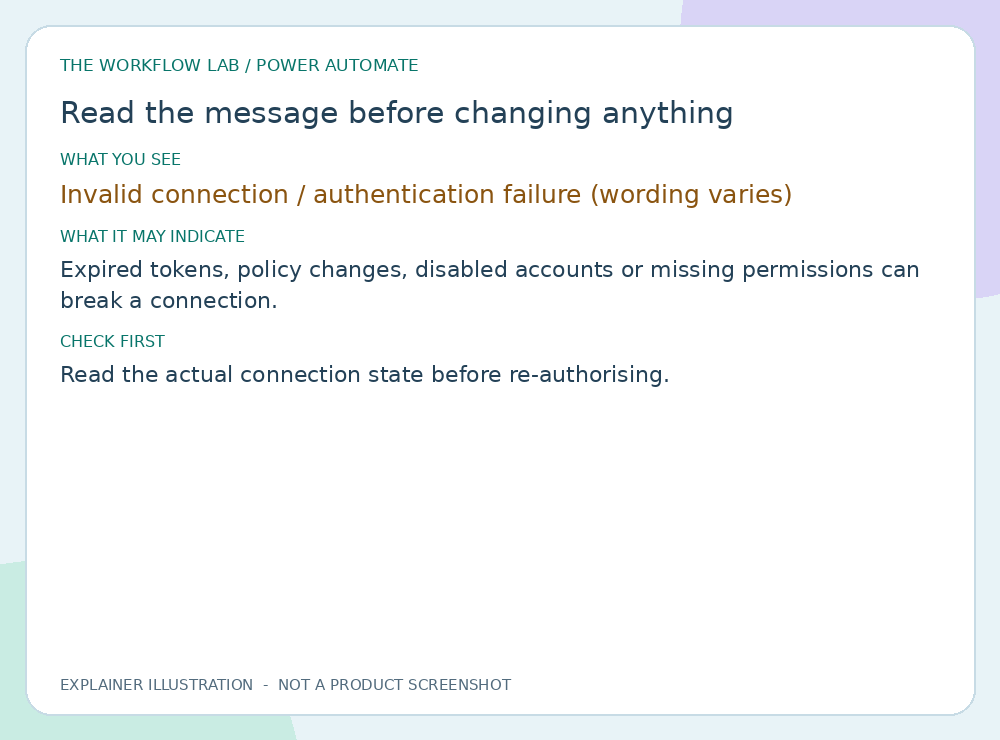
Read illustrated guide →Read the actual connection state before re-authorising.
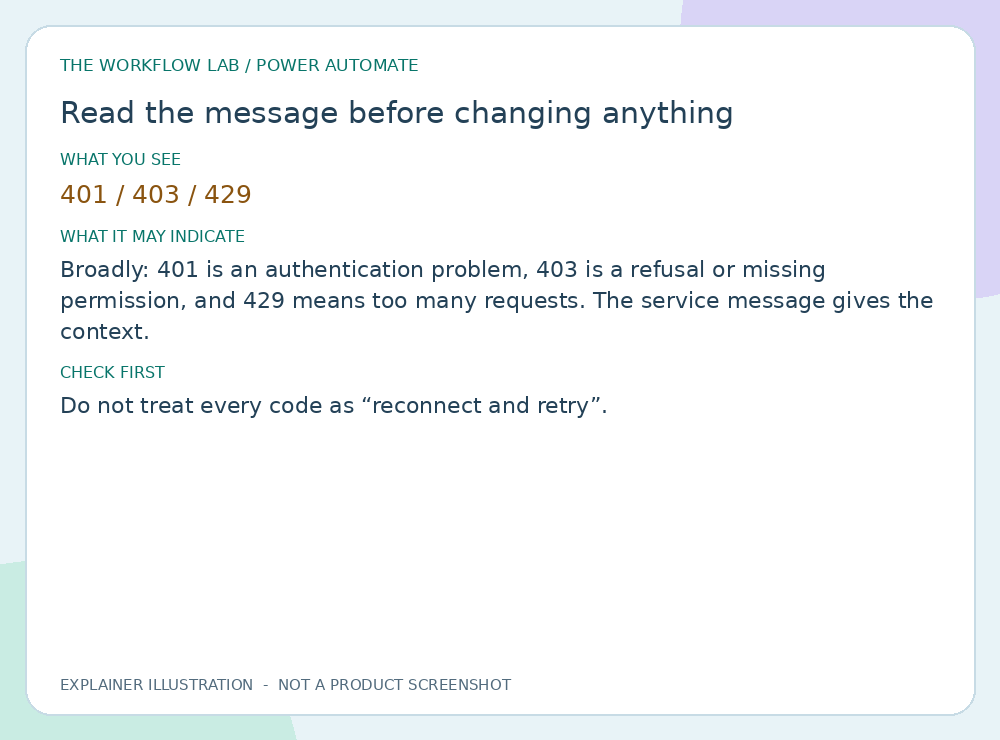
Read illustrated guide →Do not treat every code as “reconnect and retry”.
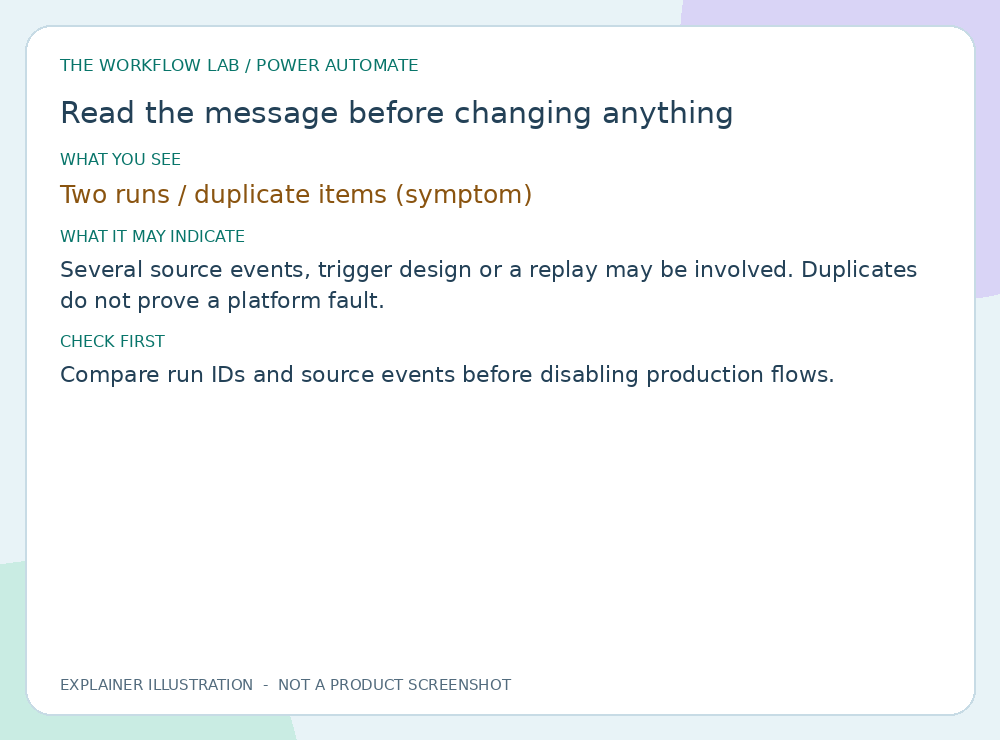
Read illustrated guide →Compare run IDs and source events before disabling production flows.
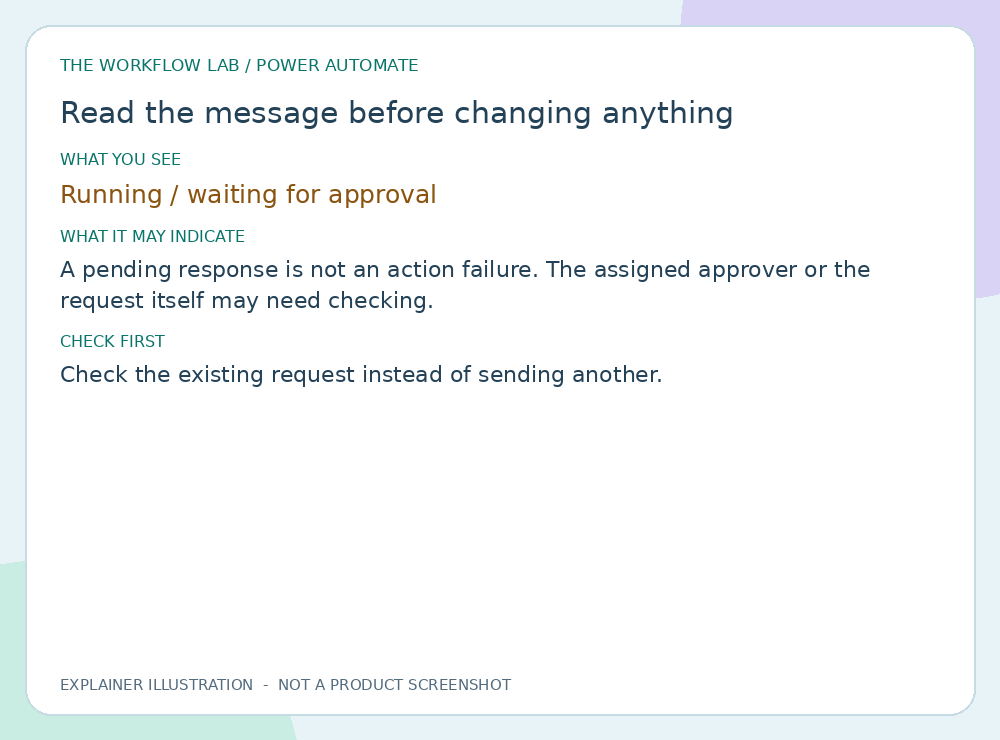
Read illustrated guide →Check the existing request instead of sending another.
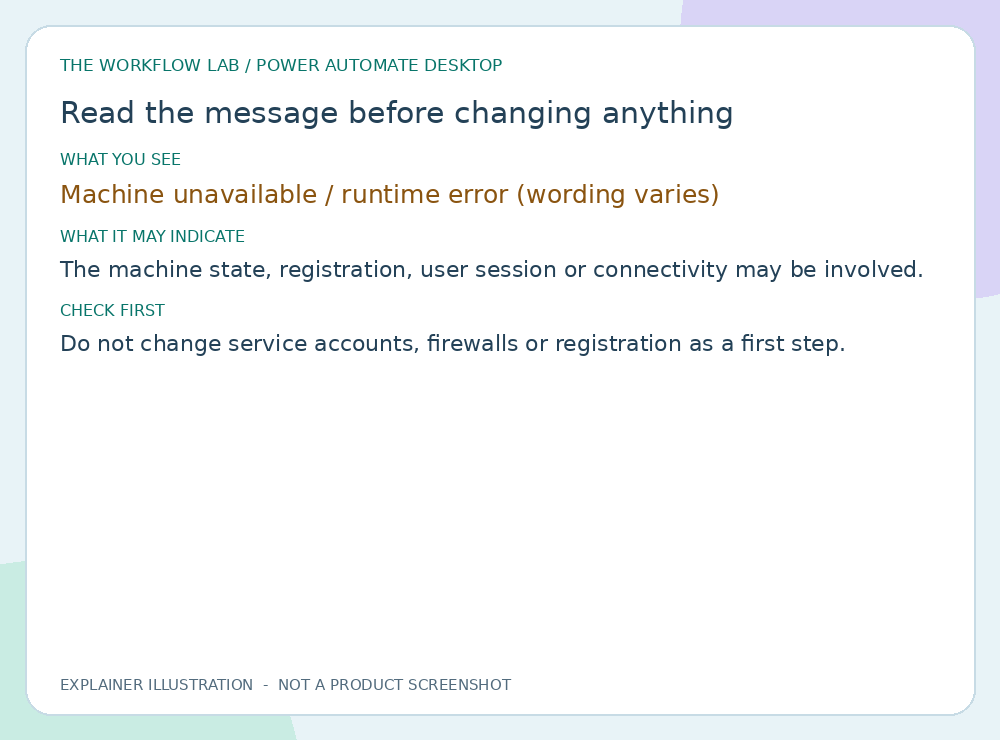
Read illustrated guide →Do not change service accounts, firewalls or registration as a first step.
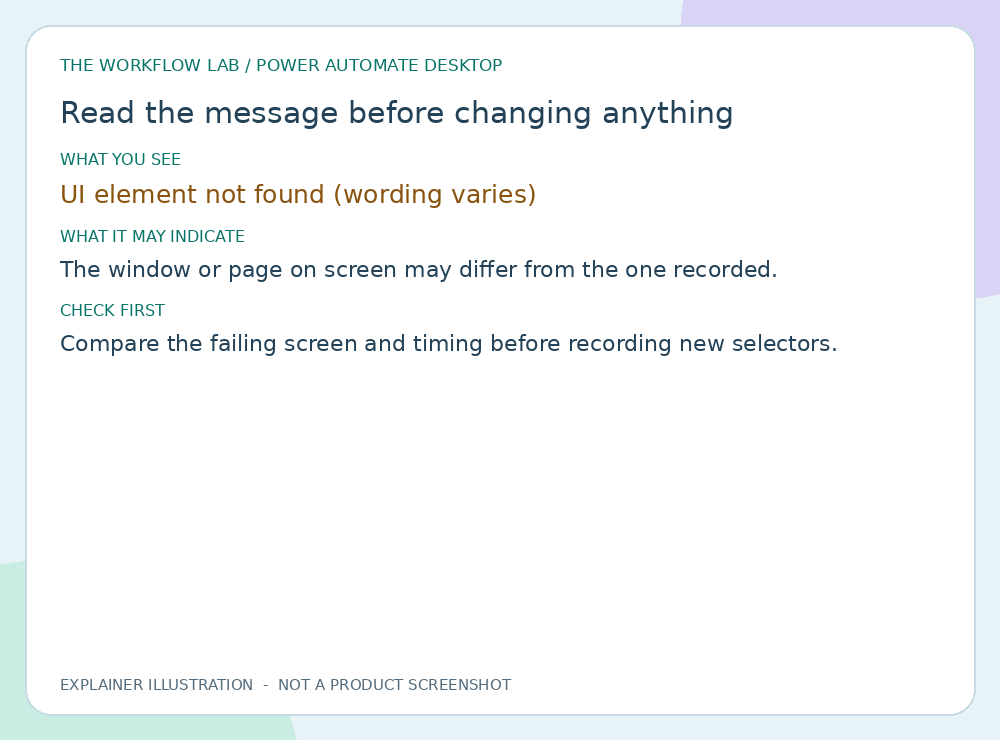
Read illustrated guide →Compare the failing screen and timing before recording new selectors.
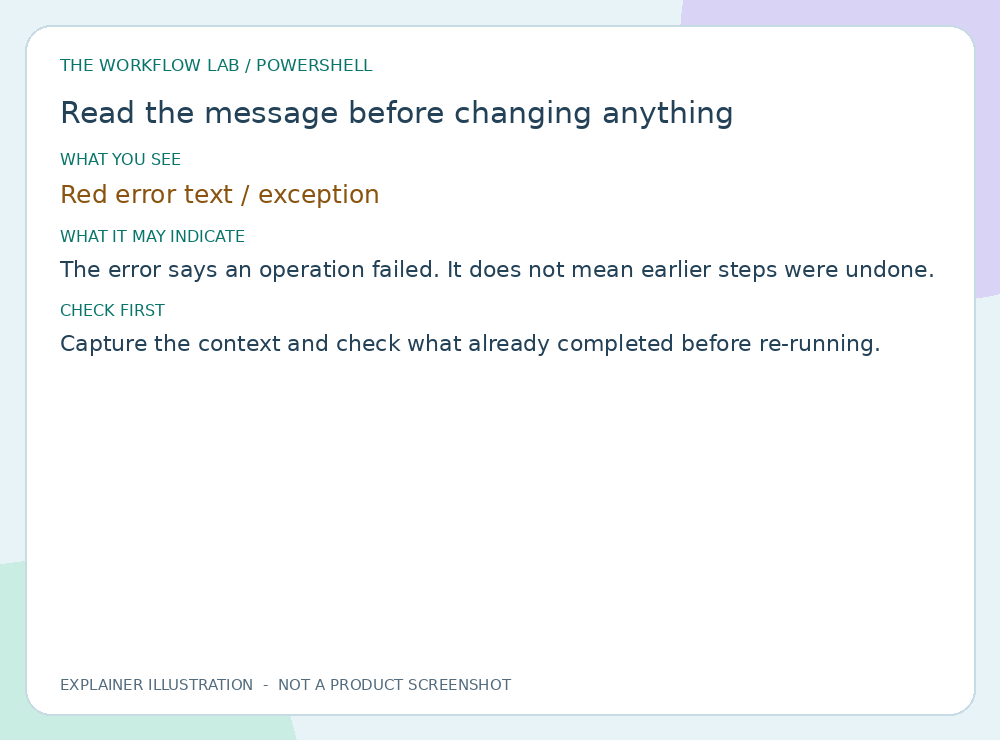
Read illustrated guide →Capture the context and check what already completed before re-running.
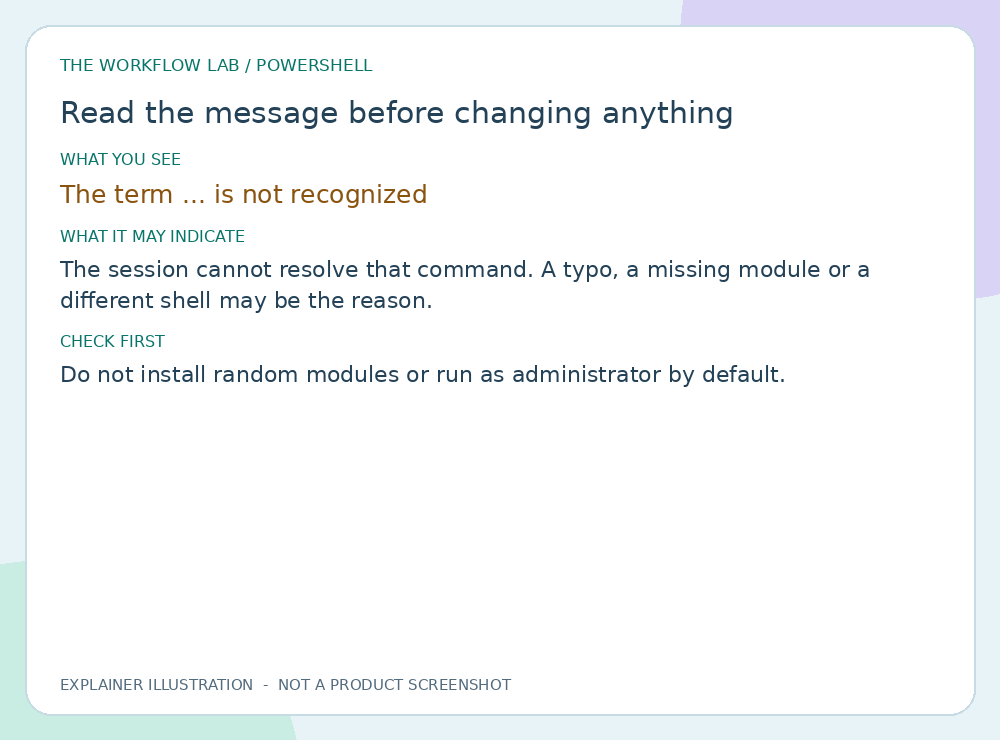
Read illustrated guide →Do not install random modules or run as administrator by default.
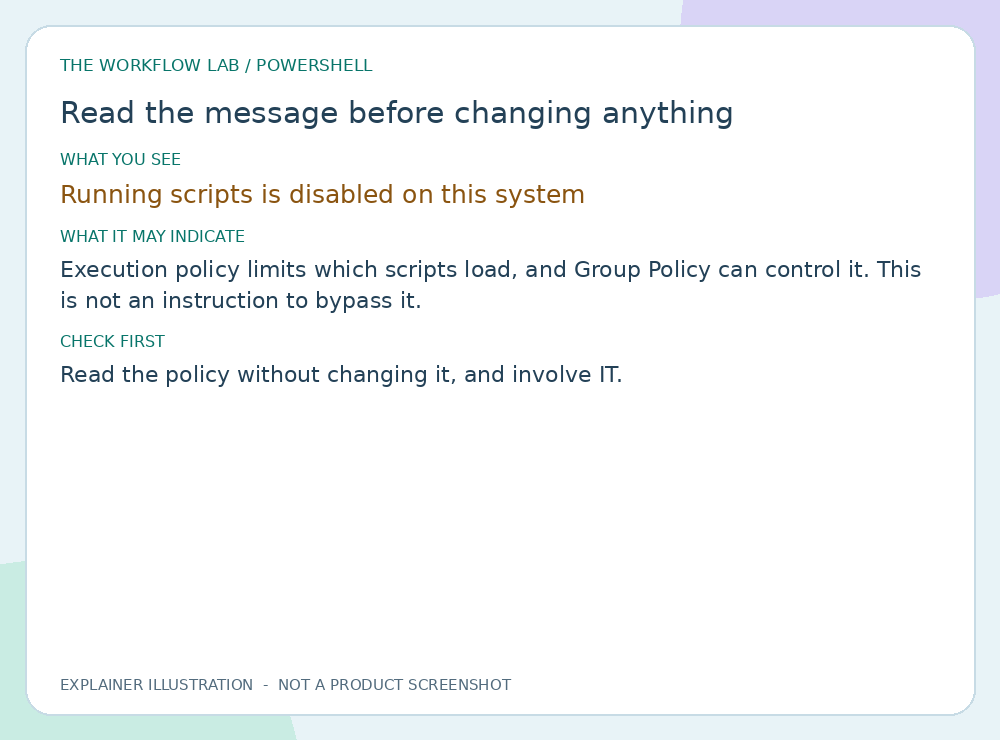
Read illustrated guide →Read the policy without changing it, and involve IT.
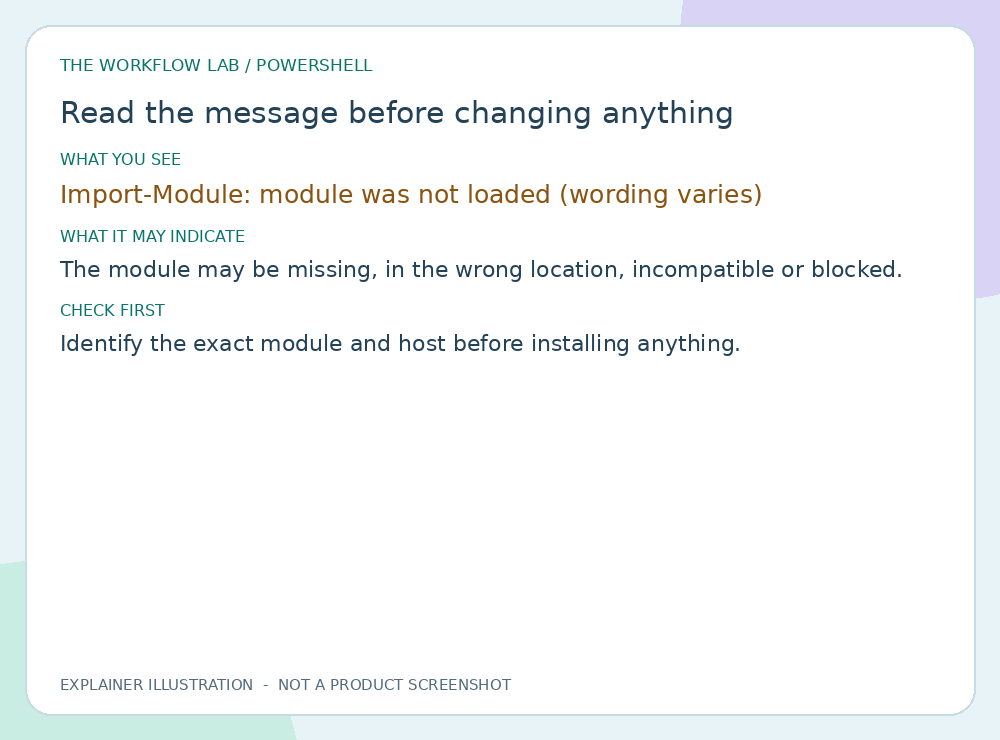
Read illustrated guide →Identify the exact module and host before installing anything.
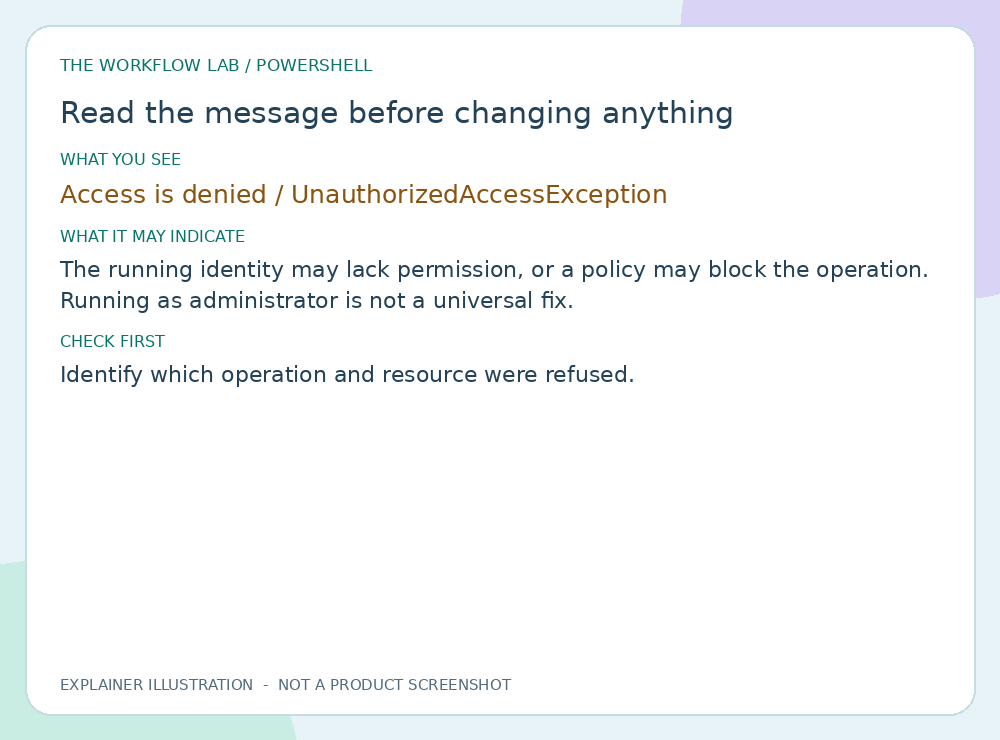
Read illustrated guide →Identify which operation and resource were refused.
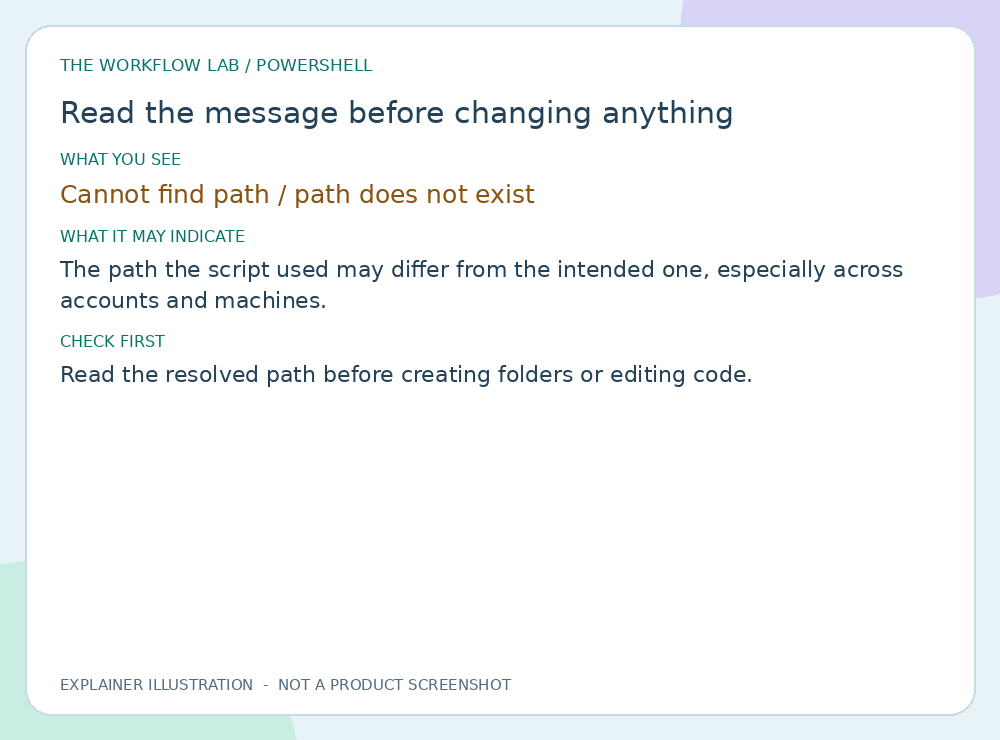
Read illustrated guide →Read the resolved path before creating folders or editing code.
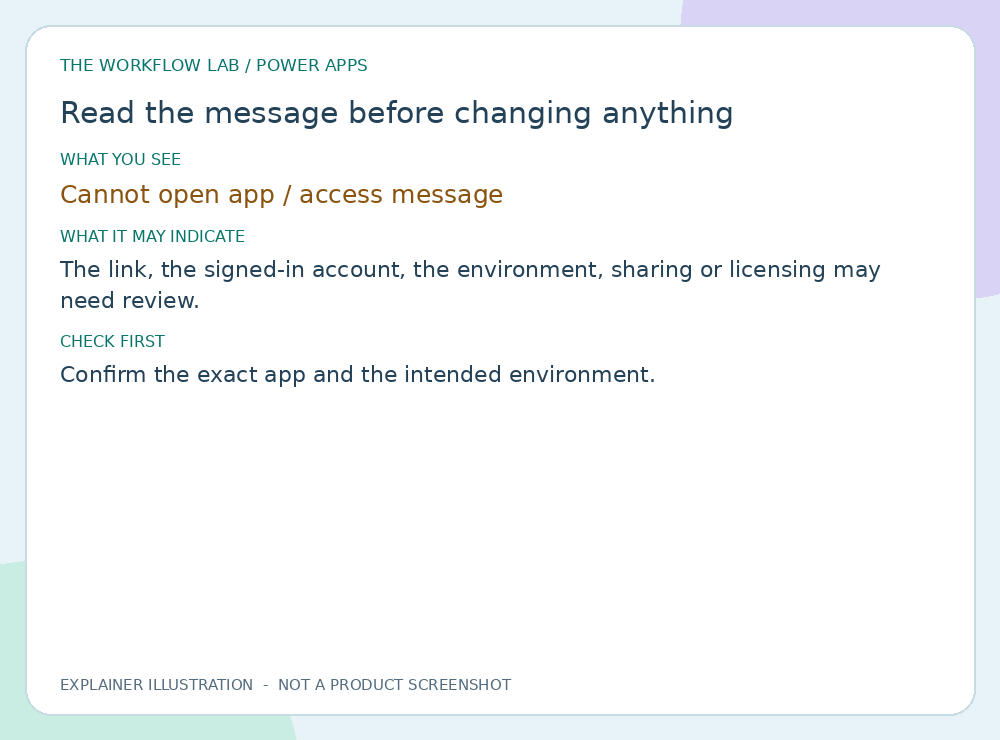
Read illustrated guide →Confirm the exact app and the intended environment.
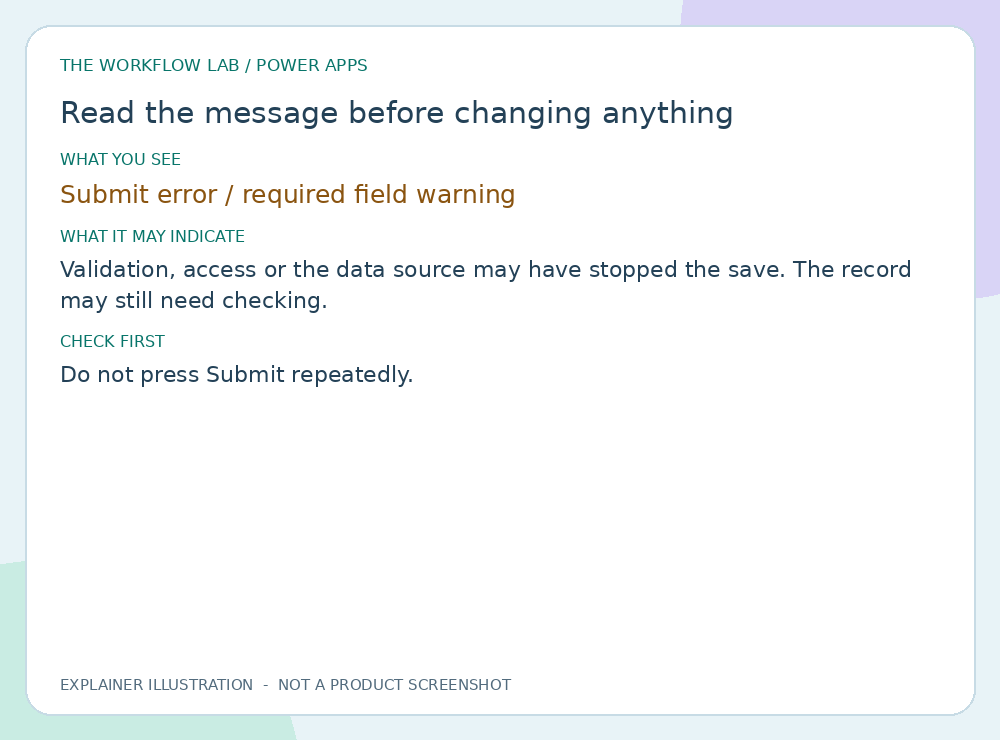
Read illustrated guide →Do not press Submit repeatedly.
Read illustrated guide →Confirm the report link and the account.
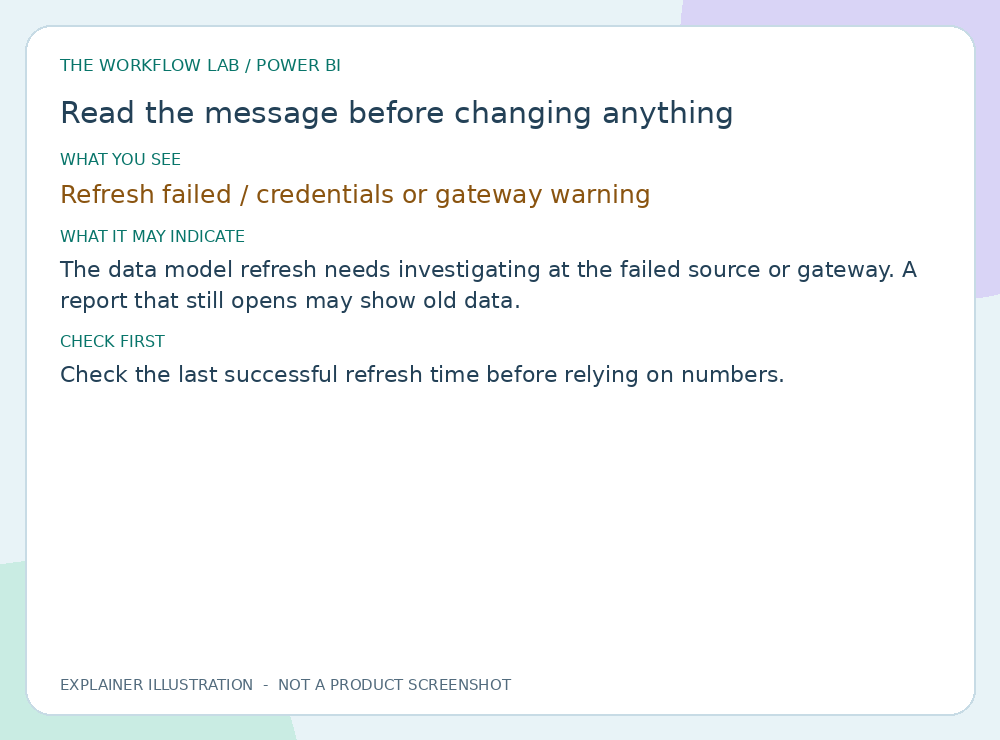
Read illustrated guide →Check the last successful refresh time before relying on numbers.
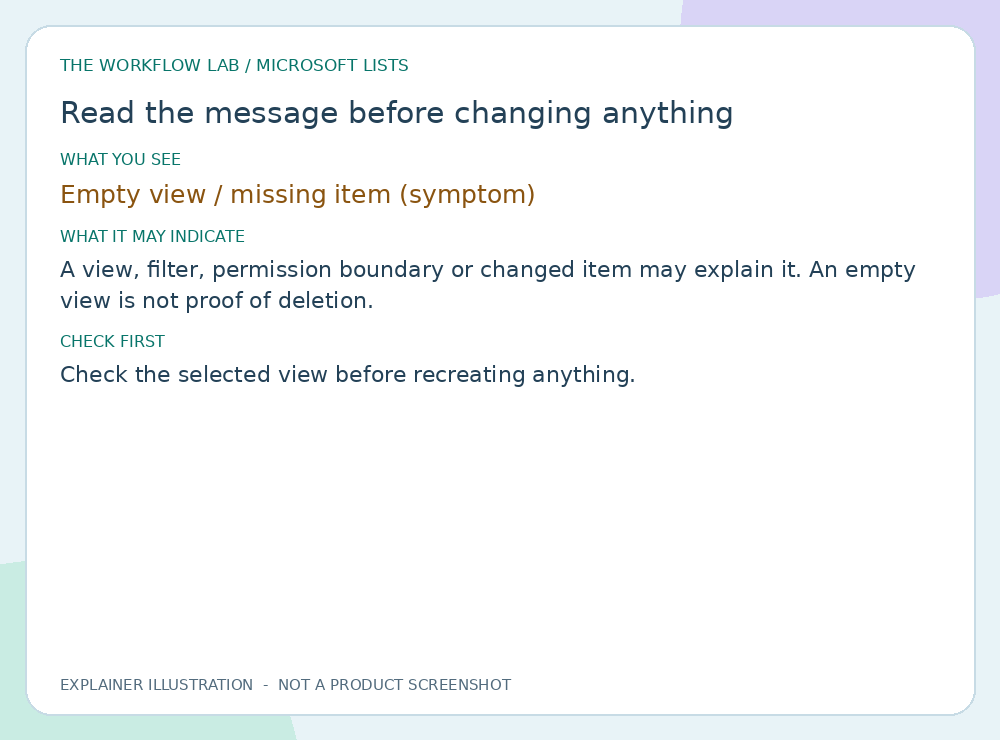
Read illustrated guide →Check the selected view before recreating anything.
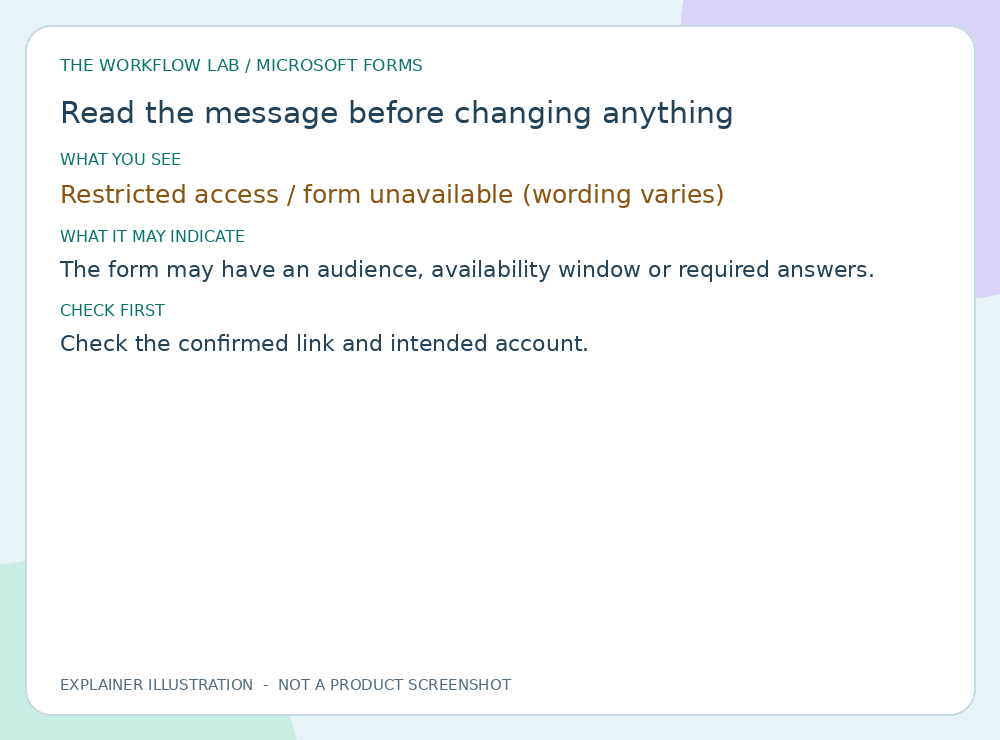
Read illustrated guide →Check the confirmed link and intended account.
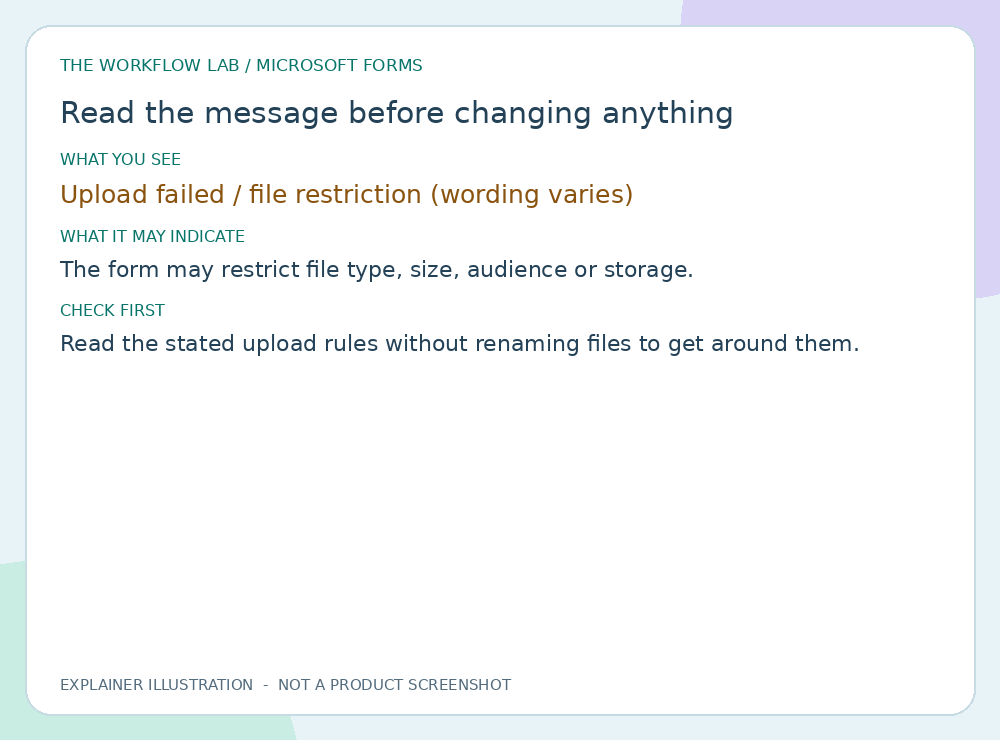
Read illustrated guide →Read the stated upload rules without renaming files to get around them.
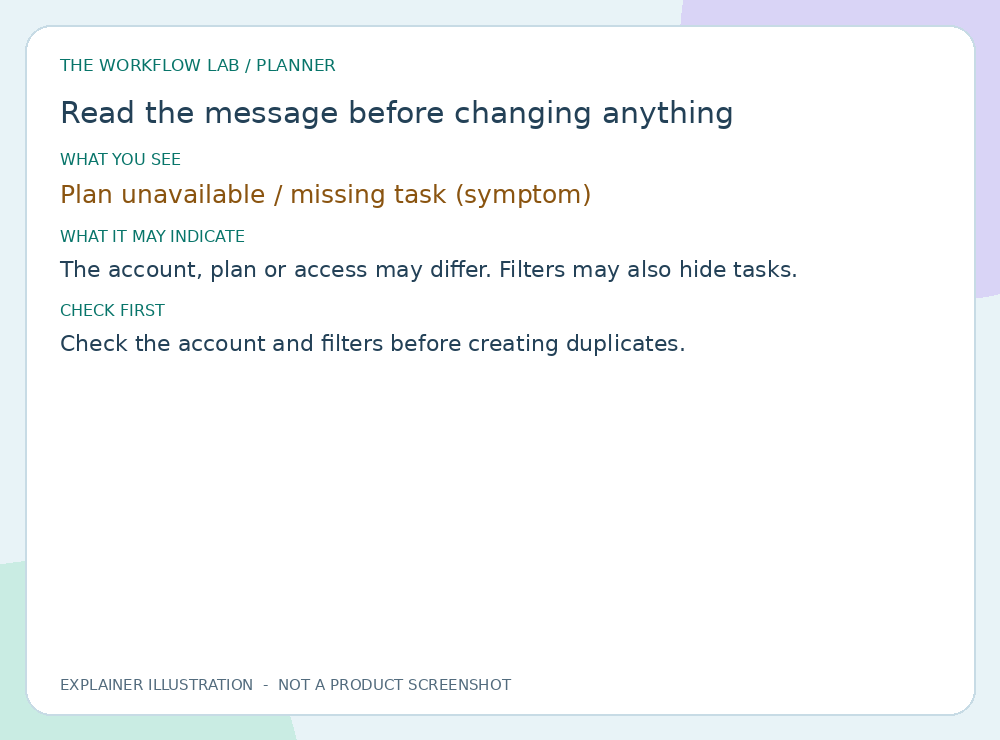
Read illustrated guide →Check the account and filters before creating duplicates.
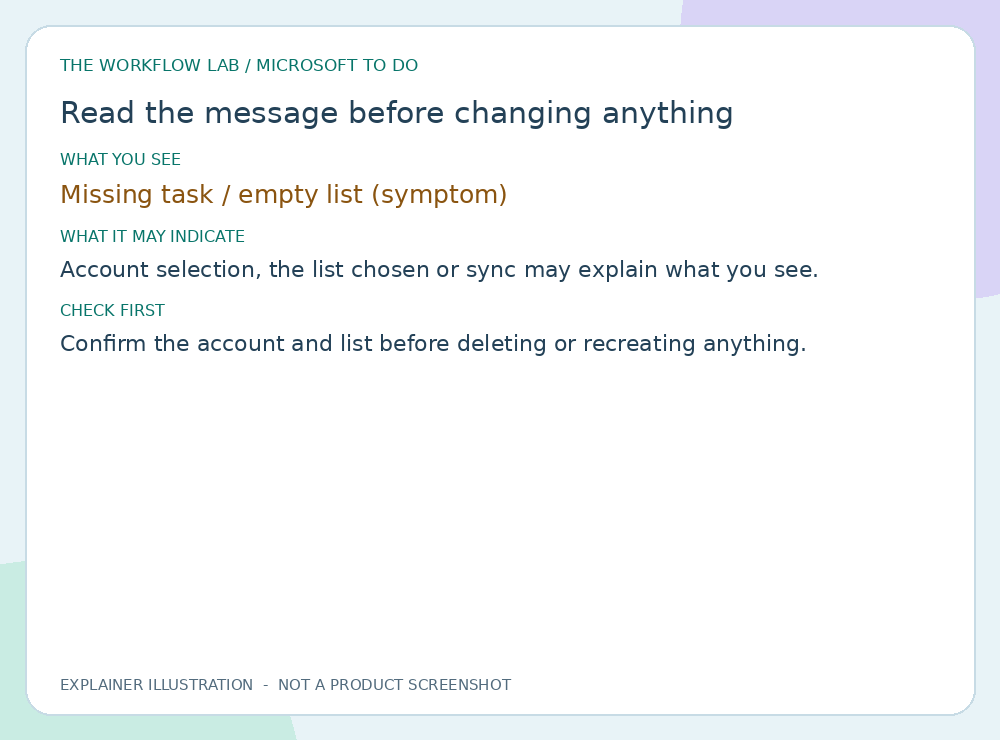
Read illustrated guide →Confirm the account and list before deleting or recreating anything.
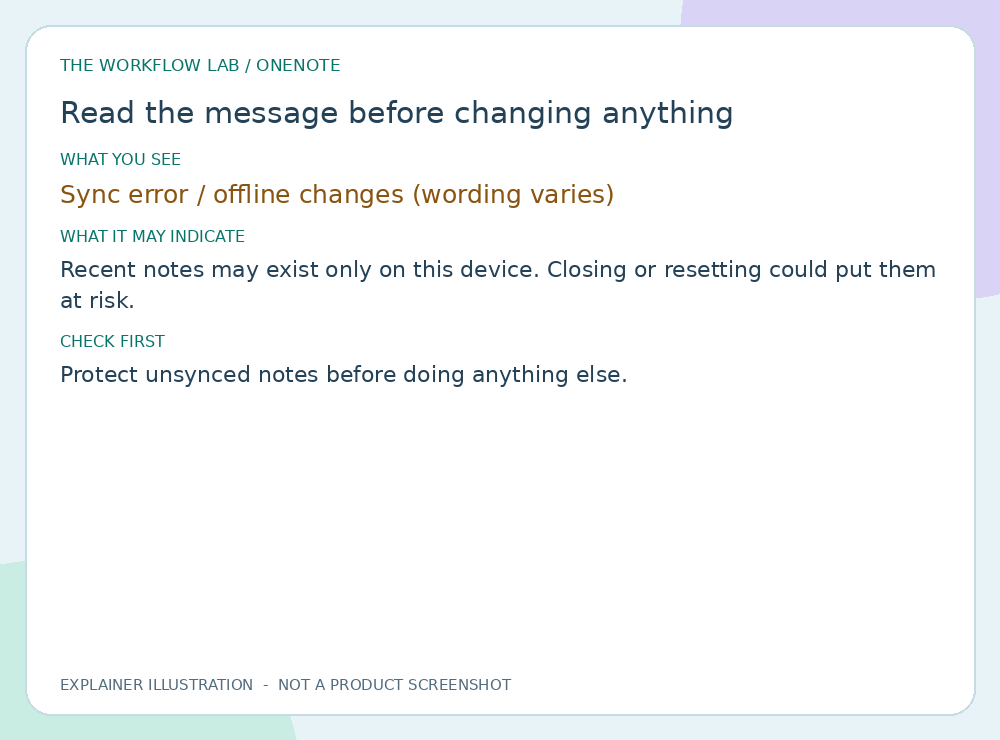
Read illustrated guide →Protect unsynced notes before doing anything else.
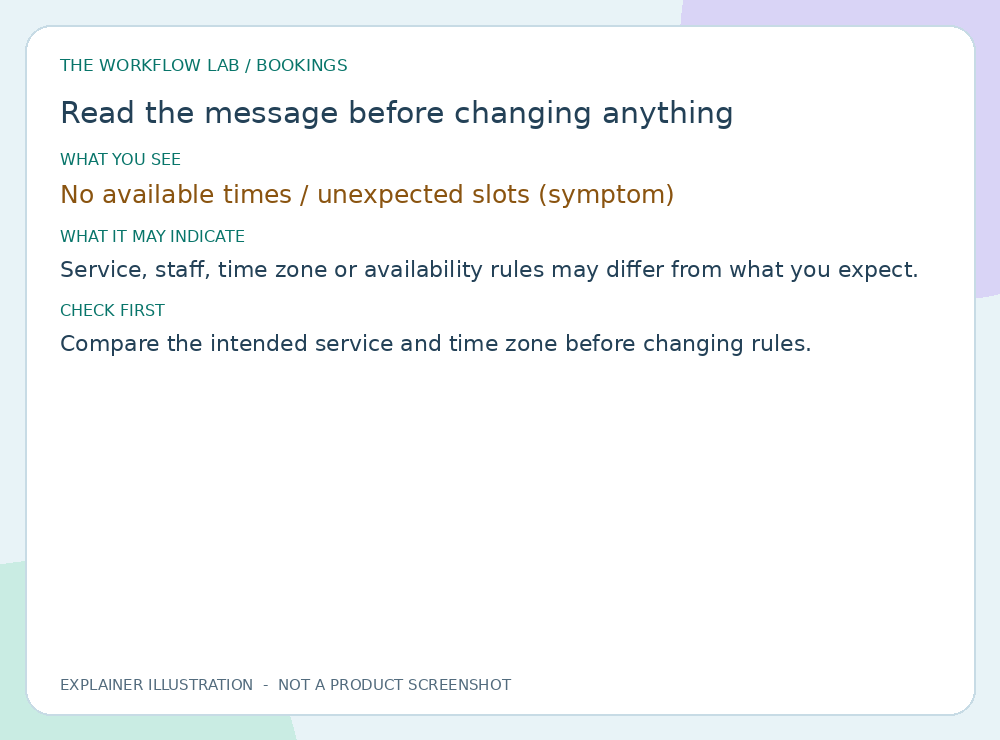
Read illustrated guide →Compare the intended service and time zone before changing rules.
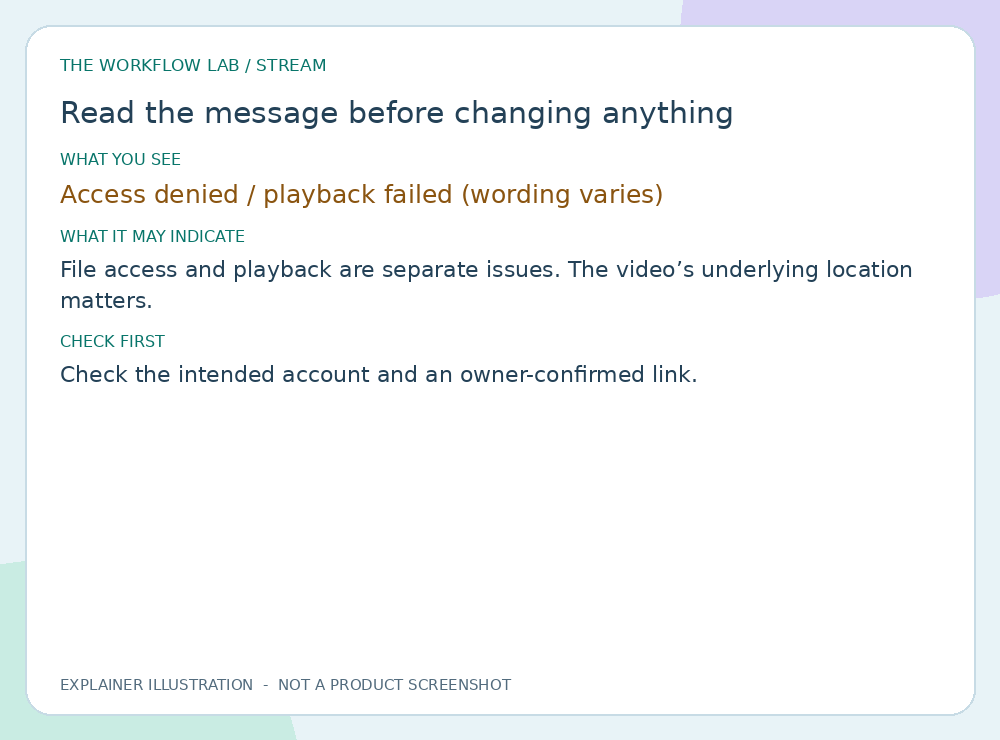
Read illustrated guide →Check the intended account and an owner-confirmed link.
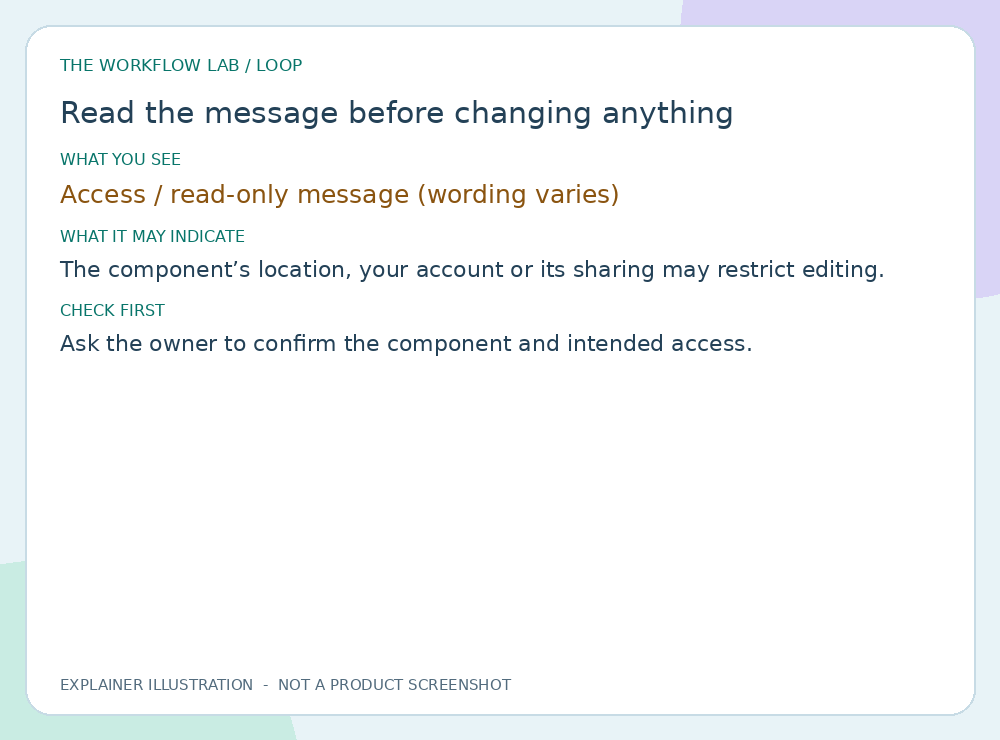
Read illustrated guide →Ask the owner to confirm the component and intended access.
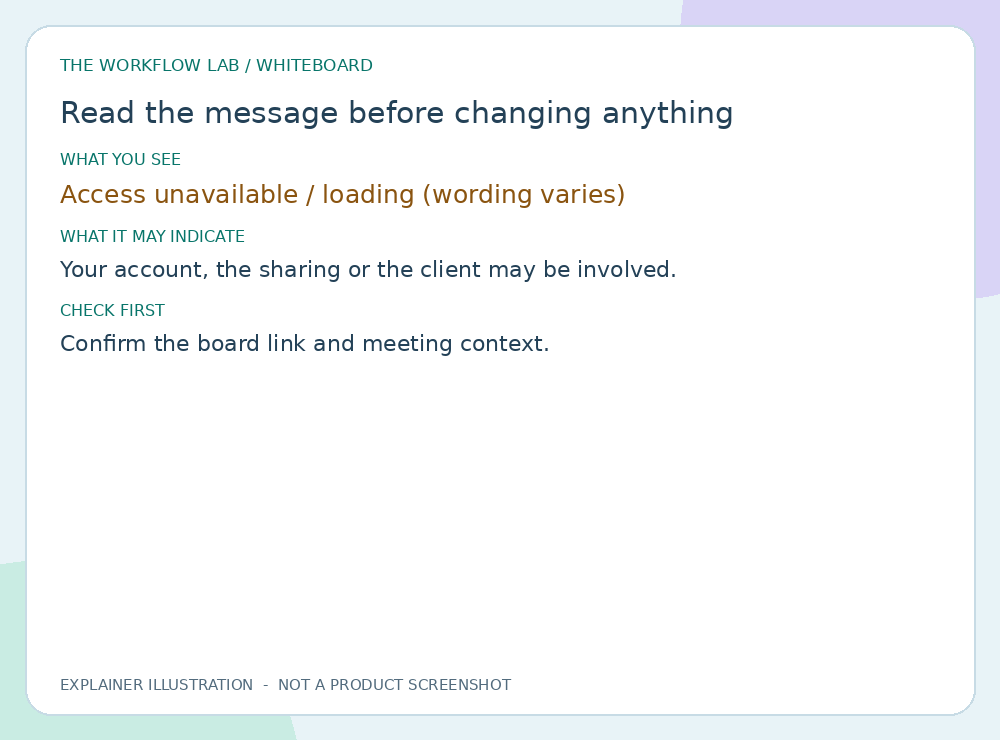
Read illustrated guide →Confirm the board link and meeting context.
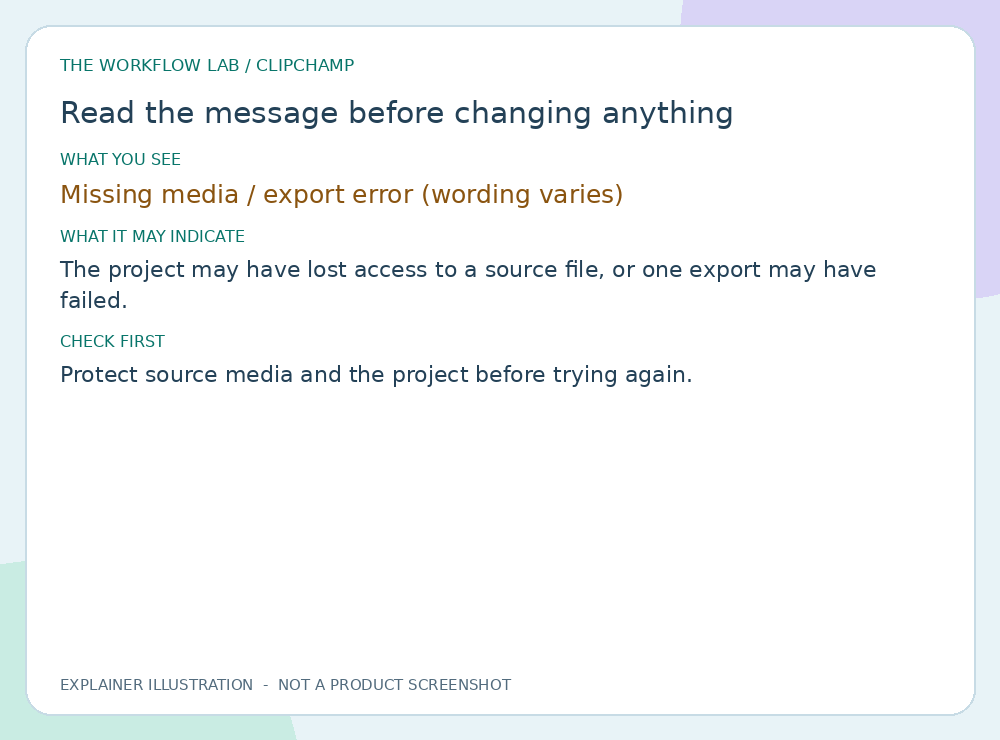
Read illustrated guide →Protect source media and the project before trying again.
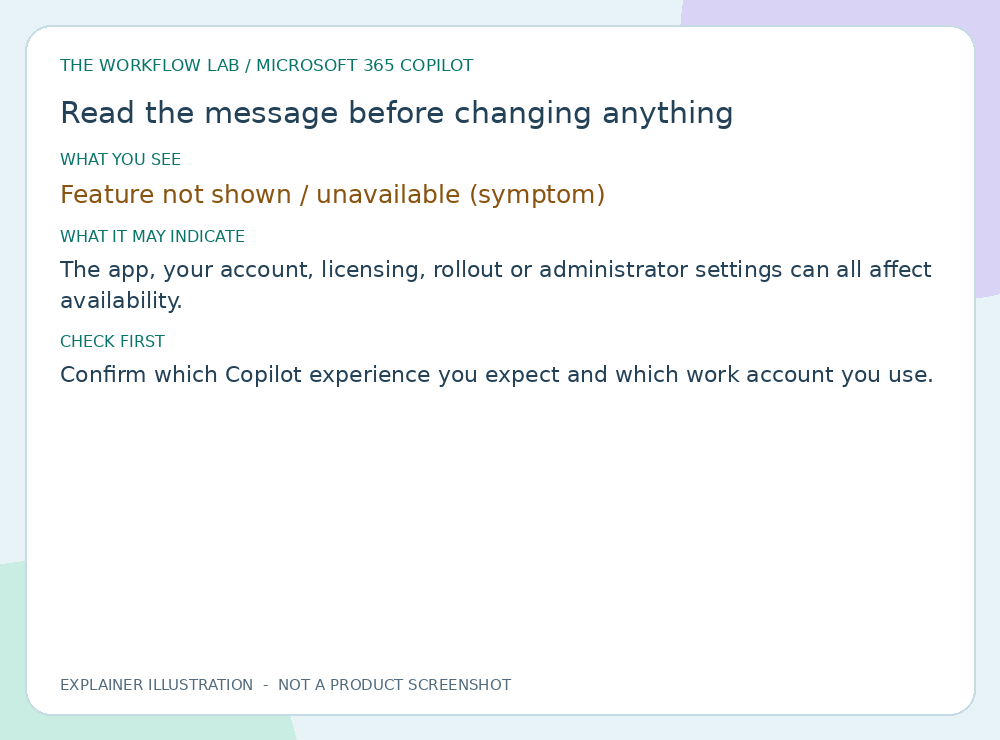
Read illustrated guide →Confirm which Copilot experience you expect and which work account you use.
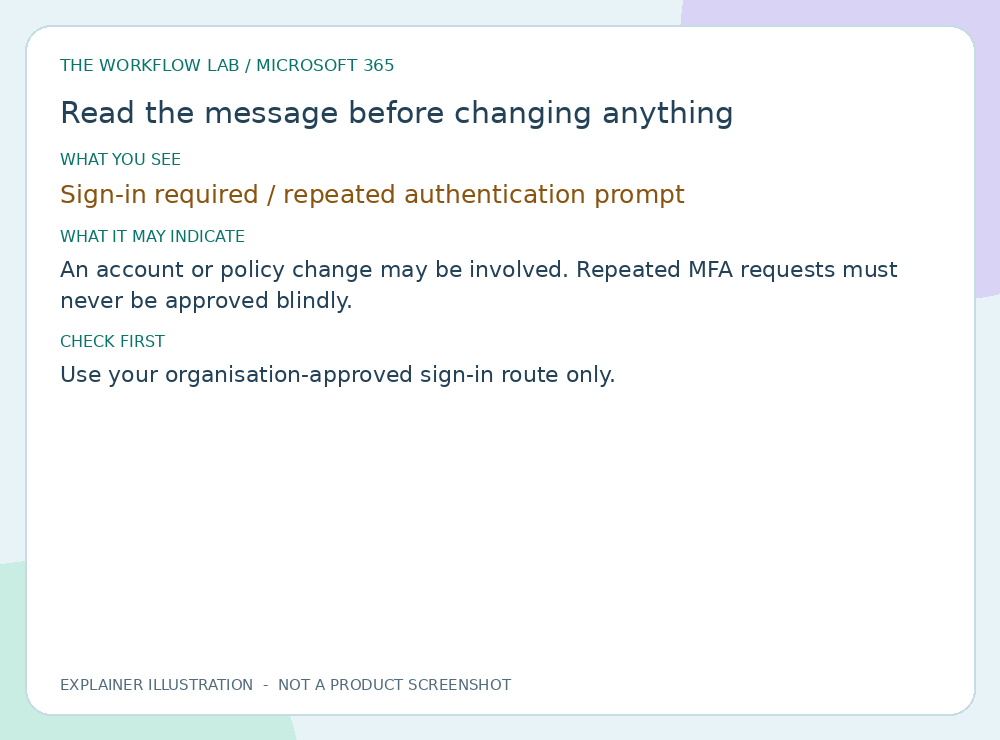
Read illustrated guide →Use your organisation-approved sign-in route only.
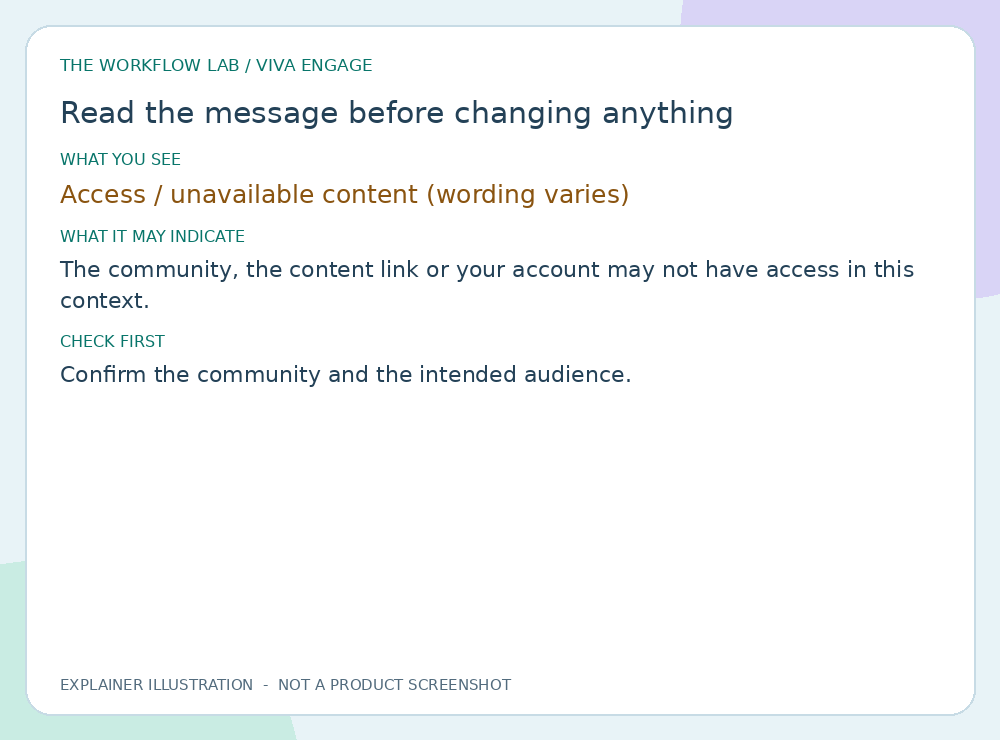
Read illustrated guide →Confirm the community and the intended audience.
Read illustrated guide →Images are original explainer illustrations, not product screenshots. Search runs in your browser.
The Workflow Lab brings together experience in service-desk operations, operational reporting, workflow automation and system integration.
It has two purposes: share practical learning and help turn improvement ideas into working solutions. The approach is hands-on, iterative and focused on how work actually gets done.
For project enquiries, tutorial questions or collaboration ideas, get in touch by email.
build@theworkflowlab.onmicrosoft.comPlease do not include passwords, access tokens or confidential business data in your initial enquiry.
This website has no advertising trackers. The hosting provider may process technical request data. Guide feedback is sent by email from your own email app, unless the owner enables a separate private feedback service. Do not include confidential information. Read the full privacy notice